

Add Watermark to VideoOnline,Free

Add your logo or watermark to a video — free, online, fully positionable.

This tool is being improved

Explore other tools

Daily limit reached

or

MP4, MOV, AVI, MKV, WebM

Free to try · no account required

Free to try · no account required

Timings preserved

Free to try

AI
Examples:

Platform

Duration

Audience & tone Optional
AI is writing your script…

Free account required to use this tool. Sign up in seconds!

Free to try · no account required

Free to try · no account required

Video duration
Minutes required
Minutes used / limit
Minutes remaining
Estimated balance after (min)
This video deserves better than a blurry copy. Much better quality is available — unlock it after your free download.

Quota is based on full video duration. Queued and running tasks are included; the exact balance is checked before transfer.

COMPATIBLE PLATFORMS

Example result — Add Watermark to Video Online, Free

Your Hashtags Are Ready!

Hashtags copied to clipboard — paste them in your post!

Klipa just saved you time. Give us 30 seconds back — leave a review on Trustpilot.

Conversion Complete!

Preview below. Download your file whenever you like.


Klipa just saved you time. Give us 30 seconds back — leave a review on Trustpilot.

Translation Complete!

Preview below. Download your file whenever you like. Timecodes are preserved.


Klipa just saved you time. Give us 30 seconds back — leave a review on Trustpilot.

Source language
Target language

Pick two different languages to start dubbing.

Voice

The sample plays in the target language so you can compare before starting.

Keep original voice underneath

Low volume, behind the translated voice.

Your Video Script

Klipa just saved you time. Give us 30 seconds back — leave a review on Trustpilot.

Duration :

Target format

Exact size (pixels)

× px

Fit mode

Resolution

0.25x1x2x4x

Uploading background…

Transparent export (ProRes .mov with alpha). Reserved for the Pass or a Pro plan; the preview shows on a checkerboard.

Drag · resize · rotate
Placement
Text
Logo / Image
Common settings
optional

Length of the final edit

Output Format

Keywords (optional)

Rotate the video to enable.

Get an email the moment it's ready.

The style applies to THIS clip only. Your other clips stay available on the result page — you can caption them separately, now or later from your dashboard.
LIVE PREVIEW · BURNED-IN CAPTIONS

Klipa is preparing your preview

Your best clip is being cut and auto-reframed (face tracking). This preparation happens only once — about 30 seconds.

No speech detected in this preview clip — clips that do contain speech will still be captioned.
Captions update live
Font
Size
Position
Text
Highlight
Caption text
Unsaved changes
My templates
This style is Pro-only

Upgrade to generate your clips with this style, or continue free with the Minimal style.

This file is no longer available

Preparing your logo-free video… The download will start on its own.

Format Length Size Quality Saved Time removed Cuts ✓ Logo-free unlocked for this video

Subtitles (.srt) separate file

Klipa just saved you time. Give us 30 seconds back — leave a review on Trustpilot.

Your video is ready

Download the full video, in full quality

Find all your videos, wherever you are

Free Google 1-click No credit card

Your original video is still available. Try another tool:

All tools
4.8 Based on 500+ user reviews
Understand first

Protect Your Videos with a Professional Watermark

Sharing video content without protection is risky. Stolen footage, unauthorized reposts, and uncredited shares cost creators millions in lost revenue every year. Klipa's free watermark tool lets you add a customizable text overlay to any video — your brand name, website URL, or copyright notice — burned directly into the pixels so it cannot be stripped out.

The watermark is semi-transparent and professional-looking, protecting your work without ruining the viewing experience. After watermarking, compress the video for easy sharing, or resize it for the platform you are posting to.


Example result — Add Watermark to Video Online, Free
Proof in the result

What the tool produces

Demo — Add Watermark to Video Online, Free
How it works

How to Add a Watermark in 3 Steps

Step 1

Upload Your Video

Drop any MP4, MOV, AVI, MKV, or WebM file up to 2 GB. The tool works with any video — tutorials, client previews, social media content, and more. If the file is too large, compress it first.

Step 2

Design Your Watermark

Add a text watermark (your brand, handle, or copyright line) or upload a logo image, then compose it right on your video — drag it anywhere, resize, rotate, and tune size, color and opacity.

Step 3

Download Your Protected Video

The watermark is permanently burned into the video. Download the result and share confidently, knowing your content is branded. Continue your workflow with our resizer or AI subtitles if needed.
Why Klipa

Why Add a Watermark?

Benefit — Add Watermark to Video Online, Free

Protect Your Content

Add your brand name or copyright to prevent unauthorized use.
Benefit — Add Watermark to Video Online, Free

Customizable Text

Choose your own watermark text — brand name, URL, or copyright notice.
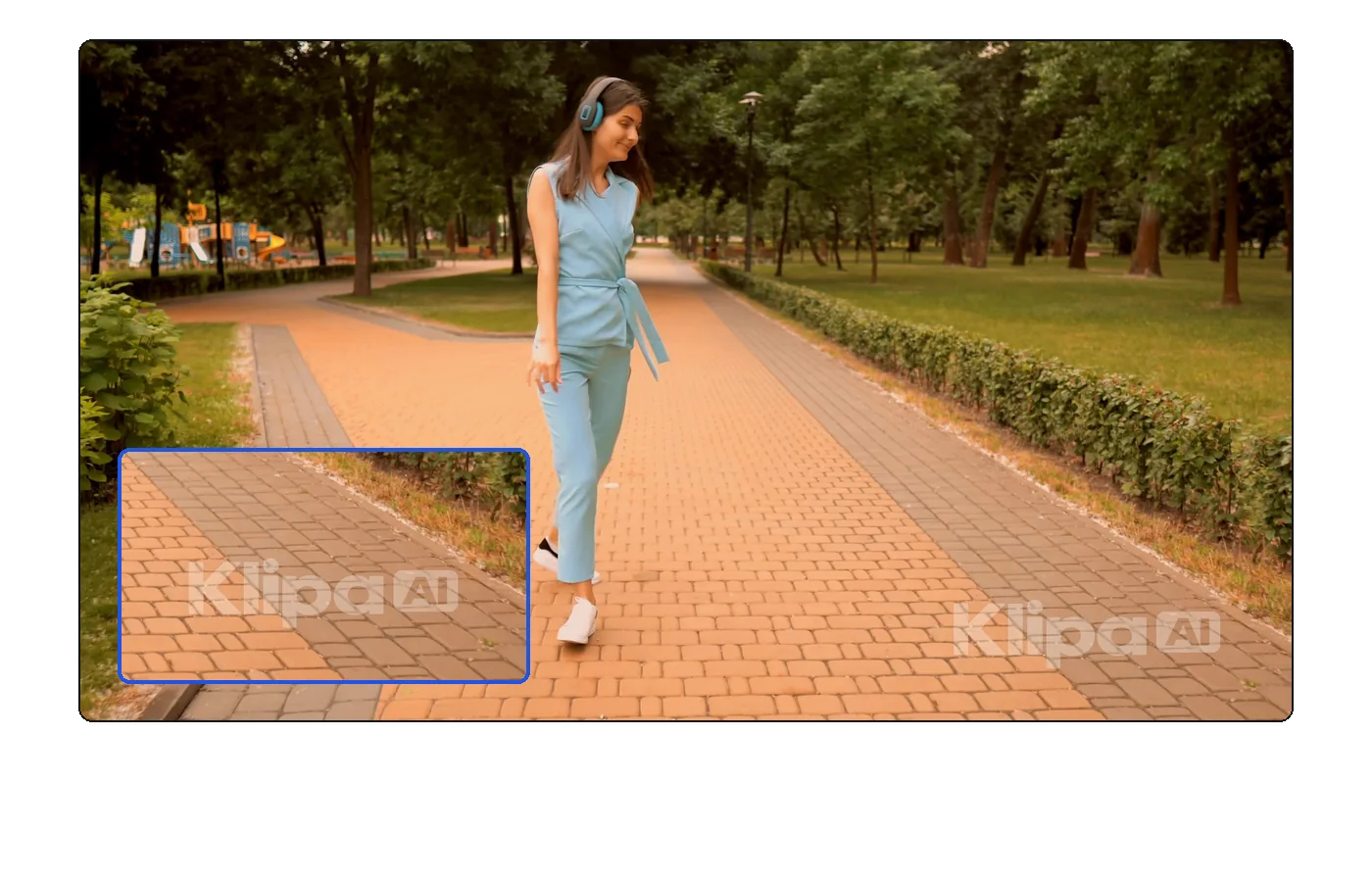
Benefit — Add Watermark to Video Online, Free

Subtle & Professional

Semi-transparent watermark that protects without ruining the viewing experience.
Fast & Easy

Add your watermark in seconds — quick and easy.

Real cases

BRAND AND PROTECT YOUR CONTENT

Client preview videos

Sending unwatermarked previews is a recipe for unpaid work. Add your studio name or logo text to preview cuts so clients can review the content while you retain control. After approval, deliver the clean version from your converted master file.

Social media content branding

When your videos get shared beyond your profile, a watermark ensures credit follows. Add your handle or website URL, then compress the file for fast uploads to TikTok, Instagram, and YouTube.

Online course anti-piracy

Protect premium educational content from unauthorized redistribution. Watermark your course videos before uploading them to your LMS. Combine it with AI subtitles to also make the content accessible and searchable.

Frequently asked

Frequently Asked Questions

Where is the watermark placed?

Wherever you want: drag the watermark — text or logo — anywhere on your video in the editor, or use one of the 9 quick positions (corners, edges, center).

Can I customize the watermark position?

You place the watermark freely: drag it anywhere, pick one of 9 quick positions, rotate it (−180° to +180°) and adjust its opacity.

Can I add an image watermark?

The tool supports both: a text watermark (font, size, color, outline, shadow, background) or an image (PNG, JPEG or WebP) you position, resize and rotate.

Is the watermark removable?

The watermark is burned into the video and cannot be easily removed, which is the point of a watermark.

Is it free?

Yes — free with the Klipa logo on the trial. Logo-free: a small one-time payment (Pass) or a Pro plan.

What formats are supported?

MP4, MOV, AVI, MKV, WebM.

Is a text watermark enough to protect my videos?

A visible text watermark deters casual theft and ensures attribution. For stronger protection, consider adding watermarks with your full URL so viewers can always trace the original source.

Can I watermark and add subtitles at the same time?

They are separate tools. Add your animated subtitles first, then apply the watermark on top — this way both layers are burned into the final video.

They use it

What Creators Say

Your turn

Ready to watermark your video?

Professional and customizable. Try free.

In closing

Your Content Deserves Credit — Watermark It

A simple watermark is the easiest way to protect and brand your video content. Klipa makes it fast, easy, and permanent. Pair it with our compressor and resizer for a complete publish-ready workflow — all from your browser.

Example result — Add Watermark to Video Online, Free
All tools