

How to Cut a Video and Compress It for Free
You’ve got a long video on your phone or laptop. It starts too early, ends too late, or has a dead middle — and you want to know how to cut a video before you share…
Trim your video and keep only the best parts — free, online, no software.
Drop your file here
MP4, MOV, AVI, MKV, WebM

Whether you are removing a shaky intro, extracting a highlight for social media, or trimming dead air from a podcast recording, Klipa's online video cutter gives you frame-accurate control without the weight of desktop editing software. Set your start and end points, and download the trimmed clip instantly.
The tool uses lossless stream-copy mode whenever possible, meaning zero re-encoding and zero quality loss. Need to do more after cutting? Add AI subtitles to the clip or compress it for easy sharing.

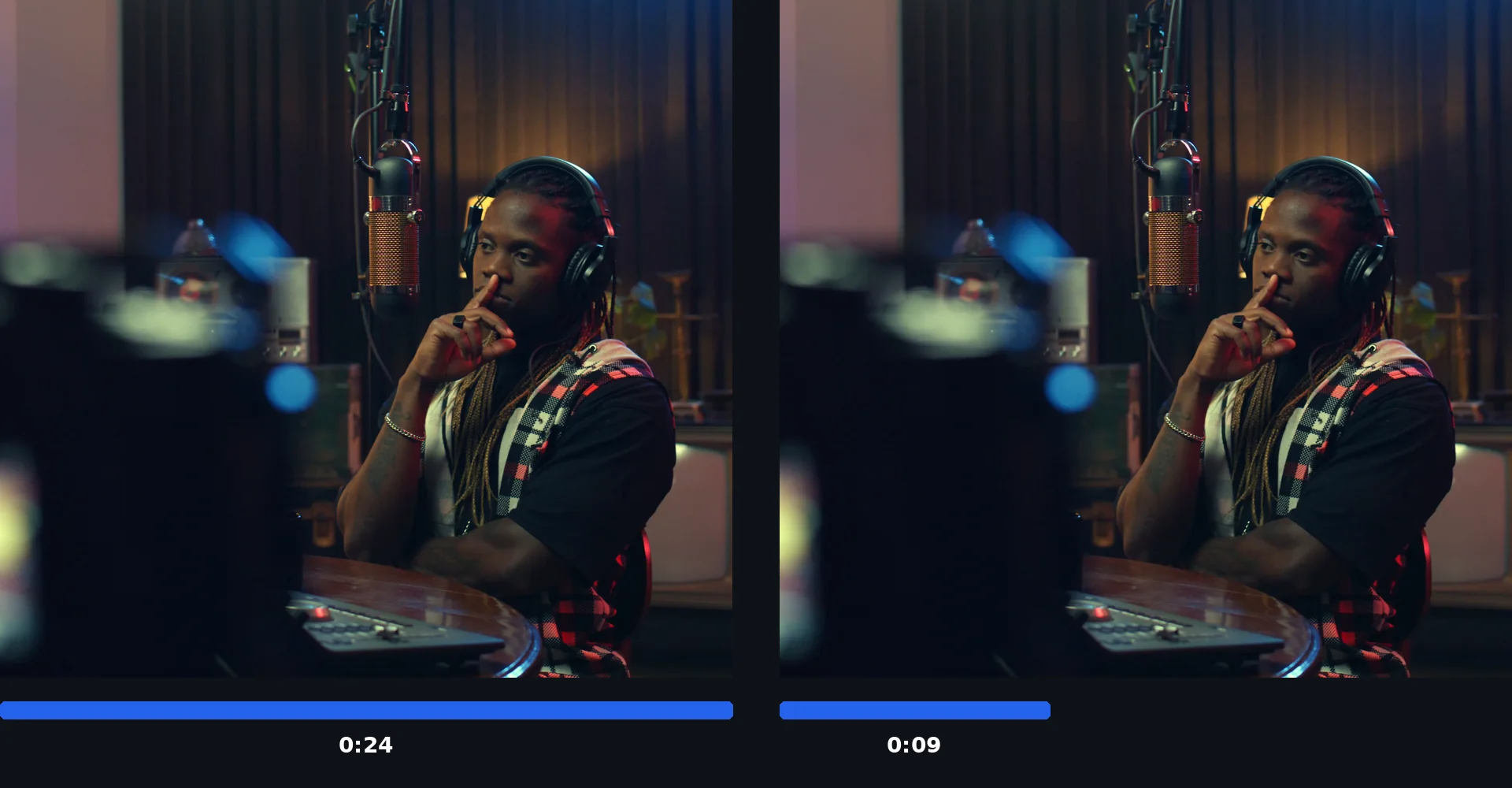
Drop any MP4, MOV, AVI, MKV, or WebM file onto the page. The built-in player lets you scrub through the footage frame by frame — free to try, no software needed.
Drag the handles or type precise timestamps to define the segment you want to keep. The preview updates in real time so you can see the exact result before processing. Lossless mode cuts without re-encoding for maximum speed and quality.
Processing takes seconds. Download the trimmed file, then optionally resize it for social media or extract just the audio for a podcast episode.
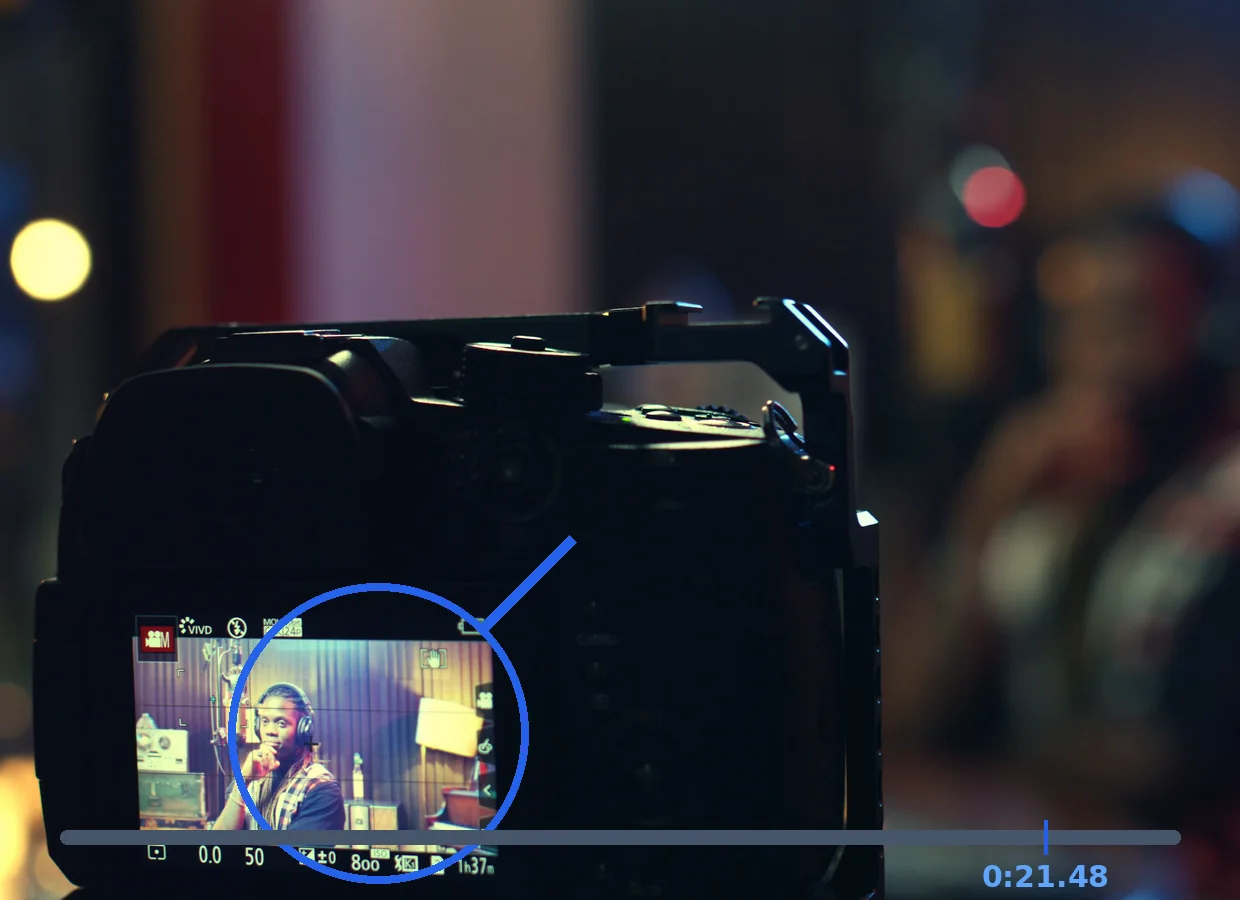
Frame-accurate cutting lets you trim exactly where you want.
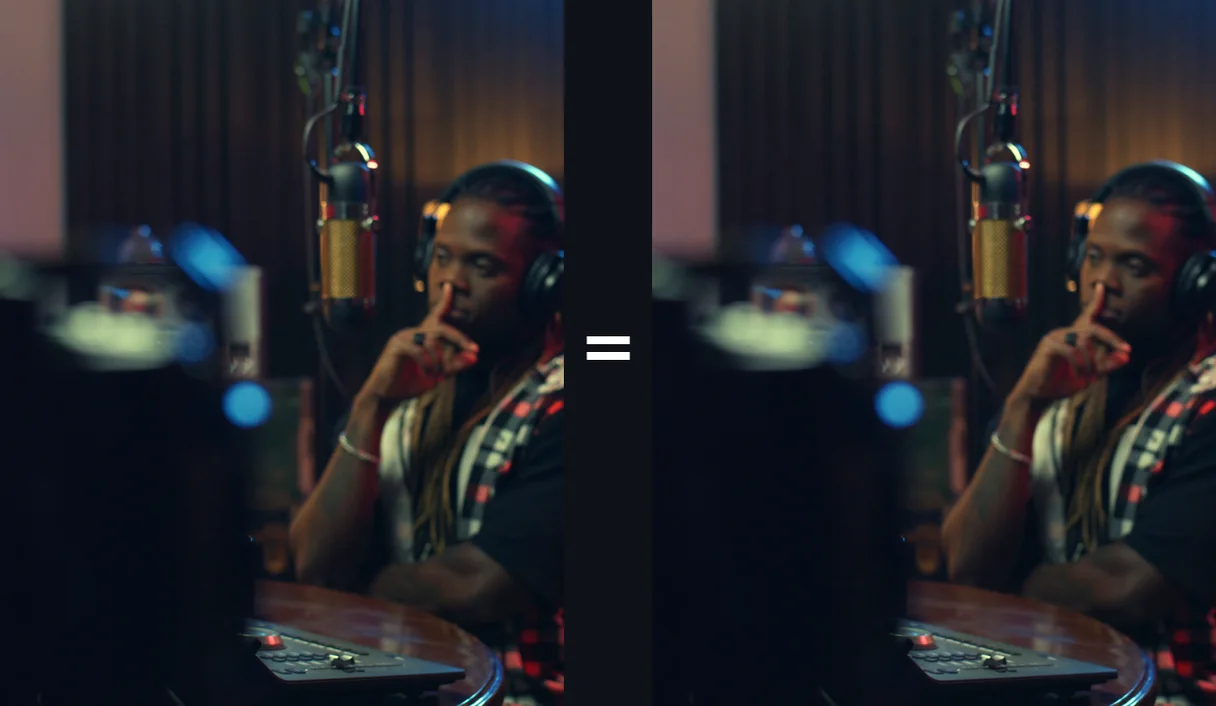
The video is re-encoded to cut exactly where you want, keeping its resolution up to your plan's maximum quality.
See the exact result before downloading your trimmed video.
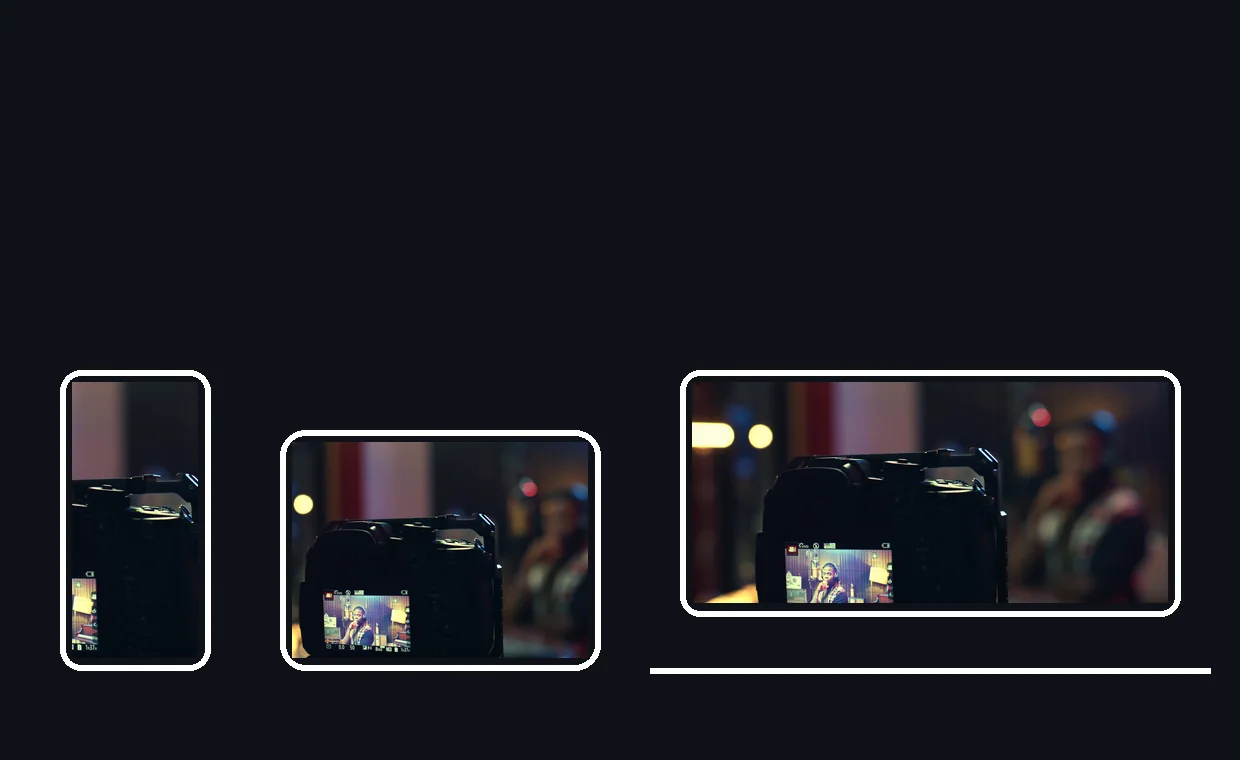
Cut videos from your phone, tablet, or computer. No app needed.
Long recordings hold hidden gems. Trim the best 30 or 60 seconds to create scroll-stopping clips for TikTok, Reels, or YouTube Shorts. After cutting, use our resizer to match the platform's preferred aspect ratio.
Remove awkward intros, sponsor reads, or off-topic tangents before publishing. The lossless mode preserves audio fidelity, and you can chain the cutter with our audio extractor to get a clean MP3 for your RSS feed.
Trim screen recordings and webinar captures to keep only the valuable content. Cut the setup time at the start and the goodbye at the end, then compress the result for easy sharing with students or colleagues.
Extract the most captivating moments from your long-form videos to craft 15- to 30-second trailers. Short teasers spark curiosity and drive clicks to the full video. After trimming, add animated subtitles to make your teaser even more engaging on social media feeds.
Meeting recordings often start with minutes of waiting and end with drawn-out goodbyes. Trim those dead sections to keep only the valuable content. Then use AI transcription to generate a text summary of the cleaned-up meeting for your team's records.
Cutting re-encodes the video to cut on the exact frame. With Pro, it preserves quality up to Full HD (1080p), and up to 4K Ultra HD (2160p) with Studio.
Currently, you can cut one section at a time. For multiple clips, try our AI Clip Generator tool.
Up to 2 hours per video on a Pro or Studio plan.
This tool is optimized for video. For audio extraction, use our Audio Extractor tool.
Cutting is accurate to within ±1 second in lossless mode. For frame-exact cutting, re-encoding is used automatically.
All major video formats: MP4, MOV, AVI, MKV, WebM.
Absolutely. Cut first, then upload the trimmed file to our AI subtitle generator. This two-step approach saves processing time because the AI only transcribes the content you actually need.

You’ve got a long video on your phone or laptop. It starts too early, ends too late, or has a dead middle — and you want to know how to cut a video before you share…

A minute of 1080p MP4 at a typical 12 Mbps bitrate eats about 90 MB of storage. When you trim that minute away in a video trimmer, you delete 90 MB without losing a…

You just recorded a video that’s almost perfect—except for the first 30 seconds of awkward silence, a rambling ending, or that accidental pan to the messy room. Now…
Precise and fast. Try free.
No credit card required
Great content is as much about what you remove as what you keep. Klipa's video cutter gives you precise, lossless trimming in a tool that loads instantly in any browser. Cut your footage down to size, then enhance it with AI subtitles, compression, or a quick resize for the perfect social media post.
