Add Subtitles to Video Online — Free AIAnimatedCaptions

Auto-generate and burn animated subtitles into your video — 20+ styles, free to try.

This tool is being improved

Explore other tools

Daily limit reached

or

MP4, MOV, AVI, MKV, WebM

Free to try · no account required

Free to try · no account required

Timings preserved

Free to try

AI
Examples:

Platform

Duration

Audience & tone Optional
AI is writing your script…

Free account required to use this tool. Sign up in seconds!

Free to try · no account required

Free to try · no account required

Video duration
Minutes required
Minutes used / limit
Minutes remaining
Estimated balance after (min)
This video deserves better than a blurry copy. Much better quality is available — unlock it after your free download.

Quota is based on full video duration. Queued and running tasks are included; the exact balance is checked before transfer.

COMPATIBLE PLATFORMS

Example result — Add Subtitles to Video Online — Free AI Animated Captions

Your Hashtags Are Ready!

Hashtags copied to clipboard — paste them in your post!

Klipa just saved you time. Give us 30 seconds back — leave a review on Trustpilot.

Conversion Complete!

Preview below. Download your file whenever you like.


Klipa just saved you time. Give us 30 seconds back — leave a review on Trustpilot.

Translation Complete!

Preview below. Download your file whenever you like. Timecodes are preserved.


Klipa just saved you time. Give us 30 seconds back — leave a review on Trustpilot.

Source language
Target language

Pick two different languages to start dubbing.

Voice

The sample plays in the target language so you can compare before starting.

Keep original voice underneath

Low volume, behind the translated voice.

Your Video Script

Klipa just saved you time. Give us 30 seconds back — leave a review on Trustpilot.

Duration :

Target format

Exact size (pixels)

× px

Fit mode

Resolution

0.25x1x2x4x

Uploading background…

Transparent export (ProRes .mov with alpha). Reserved for the Pass or a Pro plan; the preview shows on a checkerboard.

Drag · resize · rotate
Placement
Text
Logo / Image
Common settings
optional

Length of the final edit

Output Format

Keywords (optional)

Rotate the video to enable.

Get an email the moment it's ready.

The style applies to THIS clip only. Your other clips stay available on the result page — you can caption them separately, now or later from your dashboard.
LIVE PREVIEW · BURNED-IN CAPTIONS

Klipa is preparing your preview

Your best clip is being cut and auto-reframed (face tracking). This preparation happens only once — about 30 seconds.

No speech detected in this preview clip — clips that do contain speech will still be captioned.
Captions update live
Font
Size
Position
Text
Highlight
Caption text
Unsaved changes
My templates
This style is Pro-only

Upgrade to generate your clips with this style, or continue free with the Minimal style.

This file is no longer available

Preparing your logo-free video… The download will start on its own.

Format Length Size Quality Saved Time removed Cuts ✓ Logo-free unlocked for this video

Subtitles (.srt) separate file

Klipa just saved you time. Give us 30 seconds back — leave a review on Trustpilot.

Your video is ready

Download the full video, in full quality

Find all your videos, wherever you are

Free Google 1-click No credit card

Your original video is still available. Try another tool:

All tools
4.8 Based on 500+ user reviews

Good to know before subtitling your video

Verified July 29, 2026
  • Nearly one in two US viewers watches videos with captions “always or often” — 46% in France (XR study, 2026)49%
  • 25-34 year-olds use them the most (XR study, 2026)64%
  • Most under-30s keep captions on even when they fully understand the language (YouGov, 2023)63%
  • 430 million people worldwide have serious hearing loss: without captions, your video passes them by (WHO, 2026)430 M
  • Animated subtitle styles to choose from on Klipa — karaoke, MrBeast, Hormozi and more20+

Studies: XR Global Ad Accessibility Report 2026 · YouGov 2023 · World Health Organization, March 2026.

Understand first

How to add subtitles to a video online: everything you need to know

Subtitles are no longer just text at the bottom of the screen: they decide whether someone watches your video or scrolls past it. With Klipa you can add subtitles to a video online, for free, without installing any software: the transcription is automatic, the subtitles are synced word by word, and you choose their style before burning them in.

Why add subtitles to your videos?

Most social videos are watched with the sound off — without subtitles, your message simply never lands. Readable subtitles hold the viewer in the first seconds, make your video accessible to deaf and hard-of-hearing people, and help platforms understand what your content is about. Adding subtitles is a matter of reach, accessibility and visibility all at once.

Animated subtitles for TikTok, Reels and YouTube Shorts

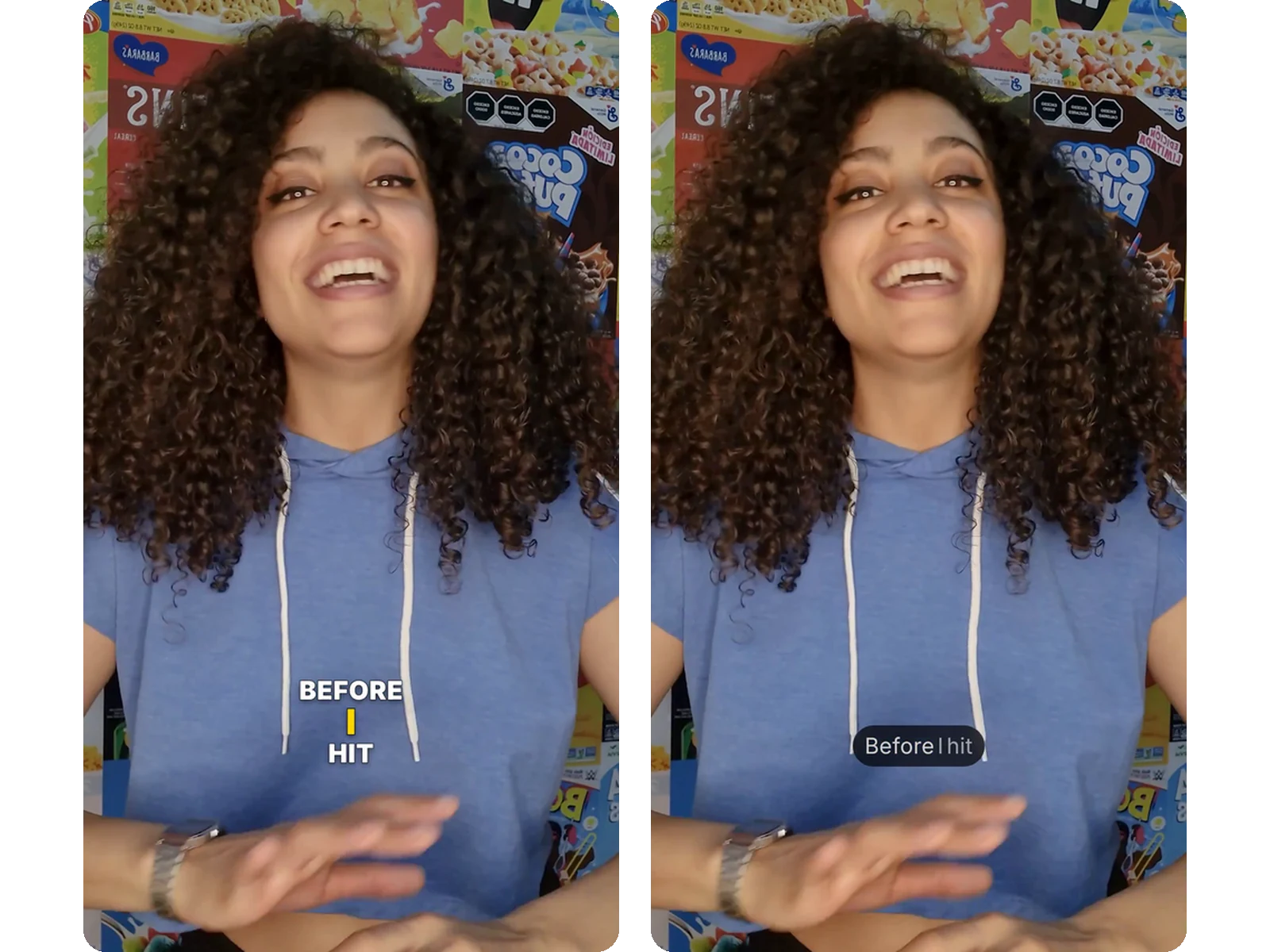
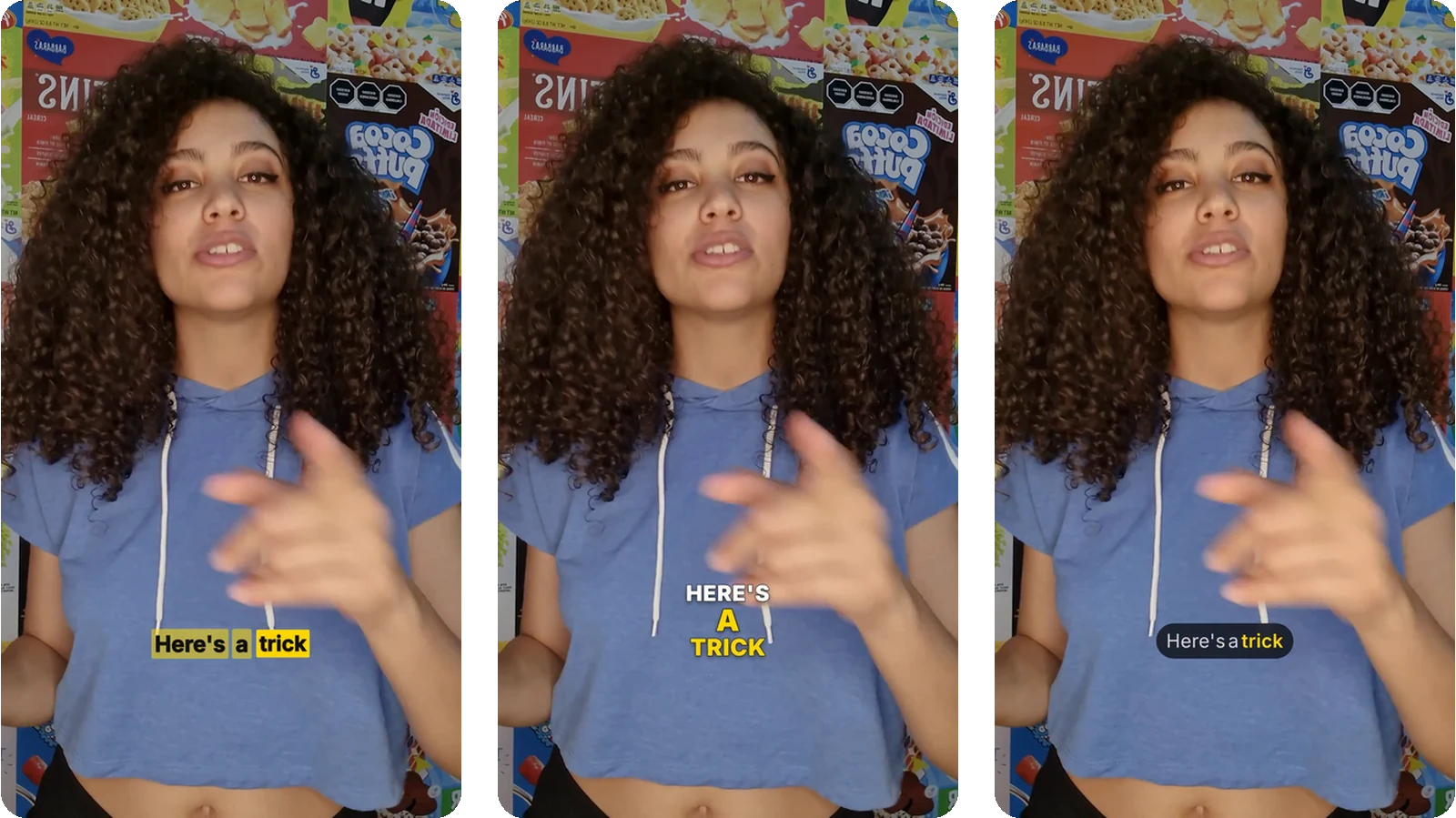
Animated subtitles — the spoken word lighting up, changing colour or popping — have become the signature of short videos that break through. Klipa offers more than 20 animated subtitle styles, from word-by-word karaoke to MrBeast, neon, Hormozi or minimal captions. Every subtitle style previews live on your own video: what you see is exactly what gets burned in.

Burned-in subtitles or an SRT file: which should you choose?

There are two ways to add subtitles to a video. A subtitle file (SRT or VTT) stays separate: viewers can switch the subtitles on or off, which is ideal for YouTube. Burned-in subtitles are baked into the pixels of the image: they show up everywhere, on every platform, with no setting to touch. Klipa does both — it burns animated subtitles into the video, and still hands you the SRT or VTT file if you need it.

Fine-tune fonts, colours and timing

Once the transcription is done, the subtitle workshop lets you set everything: the font among twelve popular typefaces, the size and position of the subtitles, the text colour and the highlight colour of the spoken word. You can also fix the subtitle text line by line — a misheard name, a sentence to shorten — and adjust the timing before burning the subtitles in for good.

Example result — Add Subtitles to Video Online — Free AI Animated Captions
Proof in the result

What the tool produces

Demo — Add Subtitles to Video Online — Free AI Animated Captions
How it works

How to add subtitles to a video in 3 steps

Step 1

Upload the video to subtitle

Drop your MP4, MOV, WebM or MKV file. Automatic transcription detects the spoken language among 100+ languages and generates the subtitles — you type nothing.

Step 2

Choose your subtitle style

Browse the 21 animated subtitle styles and watch them render live on your video. Adjust the font, size, position and colours of your subtitles until the result feels right.

Step 3

Download your subtitled video

The subtitles are burned into the video, ready to publish. You can also download your subtitles as SRT or VTT to reuse them elsewhere.
Why Klipa

Why add your subtitles with Klipa?

Benefit — Add Subtitles to Video Online — Free AI Animated Captions

20+ animated subtitle styles

Word-by-word karaoke, MrBeast, neon, Hormozi, minimal: every subtitle style can be tried free on your video before you burn it in.

Benefit — Add Subtitles to Video Online — Free AI Animated Captions

Customisable subtitles (font, colours, position)

Pick the font, size, position, text colour and highlight colour: your subtitles carry your brand, not a generic template.
Benefit — Add Subtitles to Video Online — Free AI Animated Captions

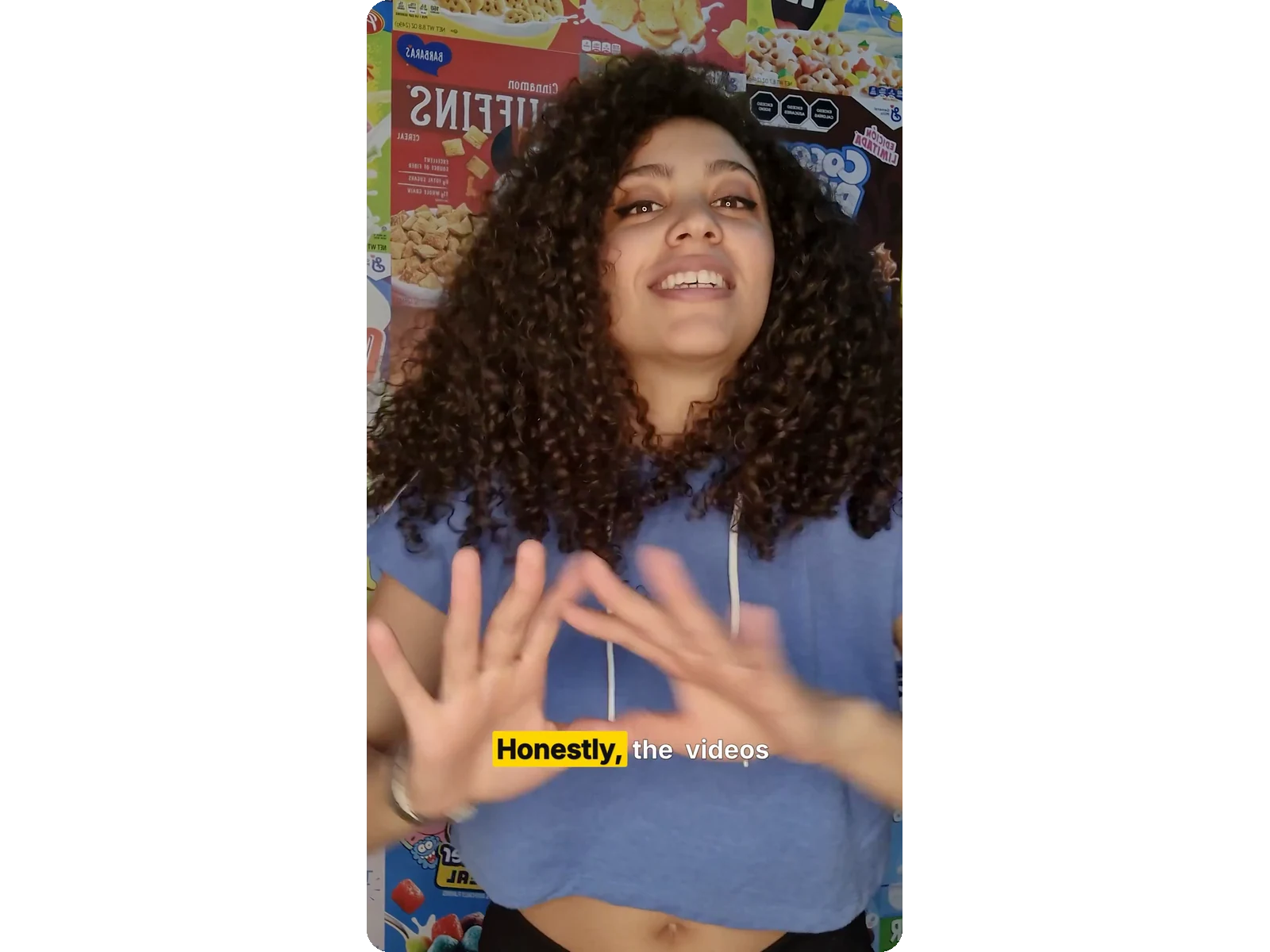
Subtitles burned into the video

Subtitles are baked into the image for good: they display on TikTok, Instagram, YouTube or LinkedIn with no separate file to manage.
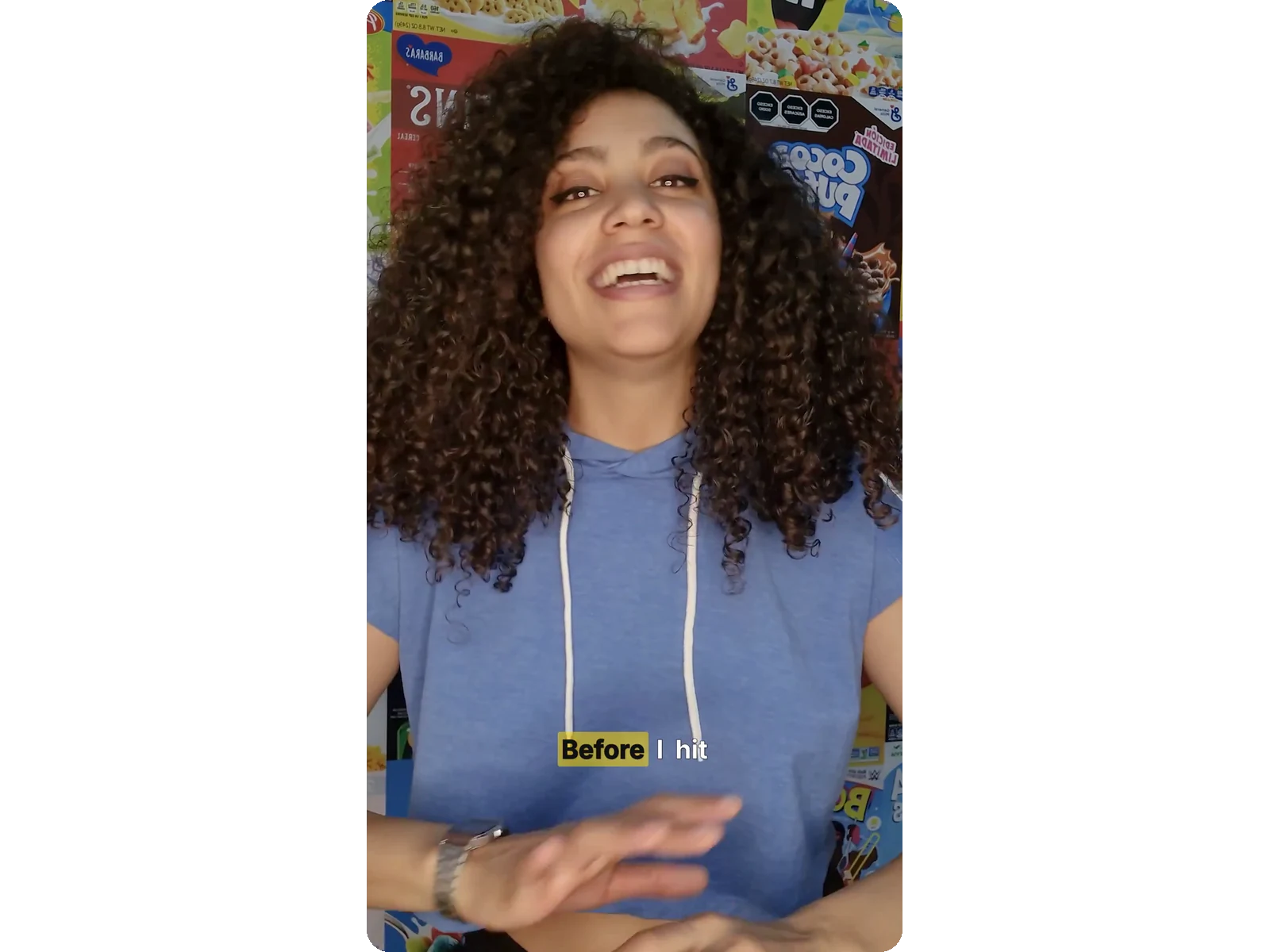
Subtitles corrected word by word

The built-in editor lets you fix the subtitle text, retime a line or delete it before the final burn.

Real cases

When to add subtitles to a video

Hook viewers on short-form video

On short-form video, animated subtitles grab attention within three seconds. An energetic subtitle style — MrBeast, karaoke, Hormozi — holds a viewer who is scrolling with the sound off.

Subtitles for training and course videos

Online courses, tutorials, webinars: clear subtitles make your content understandable in noisy places and accessible to hard-of-hearing viewers. A clean subtitle style is enough here.

Subtitles to reach an international audience

Transcription recognises 100+ languages: you can add subtitles to a video in English, Arabic, Spanish… then export the SRT file to have your subtitles translated.

Frequently asked

Adding subtitles to a video — frequently asked questions

How do I add subtitles to a video for free?

Upload your video, let automatic transcription generate the subtitles, pick a style, then burn them in. Burning uses your credits based on the video's length, and the subtitled video is delivered clean, with no logo.

Which animated subtitle styles are available?

More than 20 subtitle styles: word-by-word karaoke, MrBeast, Hormozi, neon, glitch, minimal, cinematic and more. Every subtitle style is free to try on your video before burning.

Can I customise the font and colour of the subtitles?

Yes. You choose the font among twelve (Montserrat, Poppins, Bangers, Impact…), the size and position of the subtitles, the text colour and the highlight colour of the spoken word.

Are the subtitles burned permanently into the video?

Yes: the subtitles are baked into the pixels. They show on every platform, with no separate file and nothing for the viewer to switch on.

Can I correct the subtitle text before burning?

Yes. The built-in editor shows every subtitle line: fix a misheard word, adjust the timing, delete or add a line, then burn.

How long does it take to add subtitles to a video?

Transcription takes a few dozen seconds. Burning the subtitles in takes about 2–4 minutes for a 5-minute video, depending on the style.

Do subtitles work in Arabic and other right-to-left languages?

Yes. Subtitles display correctly in Arabic, Hebrew and Persian. Automatic transcription recognises 100+ languages.

What is the difference between an SRT file and burned-in subtitles?

An SRT file stays separate from the video: viewers can turn the subtitles on or off. Burned-in subtitles are baked into the image and always show. Klipa produces both.

Can I download my subtitles as SRT or VTT?

Yes. Once transcription is done, your subtitles download as SRT or VTT alongside the subtitled video — handy for YouTube, or to have your subtitles translated later.

Do I need an account to add subtitles to a video?

Yes, a free account. Transcription, trying styles and burning them in all call on AI: they need an account, whose granted credits cover your first exports. The account also saves your subtitle presets.

They use it

What Creators Say

Your turn

Add subtitles to your video, free

Automatic transcription, 21 animated subtitle styles, one-click burn-in.

In closing

Subtitles that keep people watching to the end

Adding subtitles to a video no longer takes editing software or hours of typing. With automatic transcription, 20+ animated subtitle styles and an editor that fixes the text word by word, Klipa turns any video into publish-ready content — subtitled, readable without sound, and built for social media.

Example result — Add Subtitles to Video Online — Free AI Animated Captions
All tools