

Change Video Speed Online — Speed Up orSlowDown
Speed up or slow down your video — free, online, no software.
This tool is being improved
Explore other toolsDaily limit reached
Fetching a video from a link can take longer than uploading a file — up to a minute or two for a long video.
Your file is kept — processing resumes automatically.
This limit resets tomorrow. Go Pro to never hit it again, on every tool.
Your file is kept: processing resumes where it stopped.
One job at a time. Yours finishes, then this one starts.
Drop to upload
Drop your file here
Or use the other entry, it stays available.
MP4, MOV, AVI, MKV, WebM
Free to try · no account required
Drop to upload
Convert to:
Translate to:
Timings preserved
Free to try
Platform
Duration
Free account required to use this tool. Sign up in seconds!
Free to try · no account required
Quota is based on full video duration. Queued and running tasks are included; the exact balance is checked before transfer.
COMPATIBLE PLATFORMS
Your Hashtags Are Ready!
Hashtags copied to clipboard — paste them in your post!
Klipa just saved you time. Give us 30 seconds back — leave a review on Trustpilot.
Conversion Complete!
Preview below. Download your file whenever you like.
Klipa just saved you time. Give us 30 seconds back — leave a review on Trustpilot.
Translation Complete!
Preview below. Download your file whenever you like. Timecodes are preserved.
Klipa just saved you time. Give us 30 seconds back — leave a review on Trustpilot.
Pick two different languages to start dubbing.
The sample plays in the target language so you can compare before starting.
Keep original voice underneath
Low volume, behind the translated voice.
Your Video Script
Klipa just saved you time. Give us 30 seconds back — leave a review on Trustpilot.
Your video is received and saved. It will start as soon as a machine frees up.
It's ready
This stage works through the video end to end. The percentage will only move once it's done.
This is the longest stage of the job. It is moving, even when the number isn't.
Cancel now? The work already done will be lost and the file will have to be uploaded again.
Get an email the moment it's ready.
Klipa is preparing your preview
Your best clip is being cut and auto-reframed (face tracking). This preparation happens only once — about 30 seconds.
Upgrade to generate your clips with this style, or continue free with the Minimal style.
Burning in the captions…
Klipa is burning your captions into this clip, in the style you chose — identical to the preview. This takes a moment, keep the page open.
The burn failed — nothing was lost, you can retry.
This file is no longer available
Keep your videos between sessions and get free credits for your next exports.
Preparing your logo-free video… The download will start on its own.
Klipa just saved you time. Give us 30 seconds back — leave a review on Trustpilot.
Convert THIS video in full · up to 2 GB / 2 h · one-off
File expired
Relaunch burningClean file, no watermark.
Klipa just saved you time. Give us 30 seconds back — leave a review on Trustpilot.
Monthly limit reached
Your free plan hit its burn limit this month. Your settings are saved — unlock this result or go Pro to burn now.
Subtitle workshop
Your subtitled video is readyFree download stays available below: the videos will carry the Klipa logo in the center and bottom.
We're preparing your logo-free videos…
We couldn't prepare your logo-free videos. Write to us — your purchase is safely recorded.
Klipa just saved you time. Give us 30 seconds back — leave a review on Trustpilot.
Your video is ready
Download the full video, in full quality
Find all your videos, wherever you are
Longer videos and larger files with Pro.
Your original video is still available. Try another tool:
You've used up your 120 minutes
Your downloads have used your allowance, and this video needs more. The Downloads plan opens 100 hours of video per month — enough to stop counting altogether.
- 100 hours per month — 12× your current allowance
- HD and 4K, without paying video by video
- Every platform, no app and no ads
No commitment — cancel in one click, any time.
Speed Up, Slow Down — Total Control Over Your Video Pace
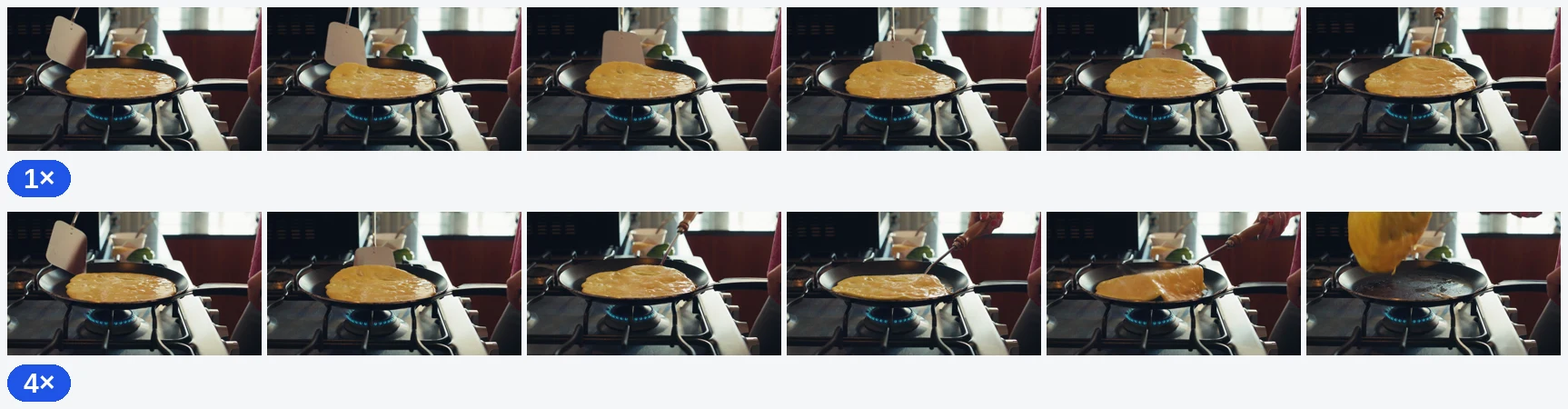
Pacing is everything in video. A well-timed slow-motion moment adds drama; a sped-up sequence adds energy. Klipa's free speed changer lets you go from 0.25x ultra-slow-motion to 4x fast-forward, all with perfectly synchronized audio — no desktop software required.
Adjust your pace, then take the result further: trim the best segment, compress the output for easy sharing, or add AI subtitles that match the new timing.
What the tool produces

How to Change Video Speed in 3 Steps
Upload Your Video
Drop any MP4, MOV, AVI, MKV, or WebM file — up to 2 GB. The tool works with any video that has visual and audio content. If your file is too large, compress it first.
Set Your Target Speed
Use the slider or preset buttons to choose your speed: 0.25x and 0.5x for slow motion, 1.5x and 2x for fast-forward, or 4x for time-lapse effects. Audio pitch adjusts proportionally so voices stay natural.
Download the Adjusted Video
Your speed-adjusted MP4 is ready in moments. Download it directly or continue editing — create a GIF from the best slow-motion moment, or add your watermark before publishing.

Why Use Our Speed Changer?
Cinematic slow-down
Slow down to 0.25x for dramatic slow motion effects.
Speed Up
Speed up to 4x for time-lapse or fast-forward effects.
Audio Included
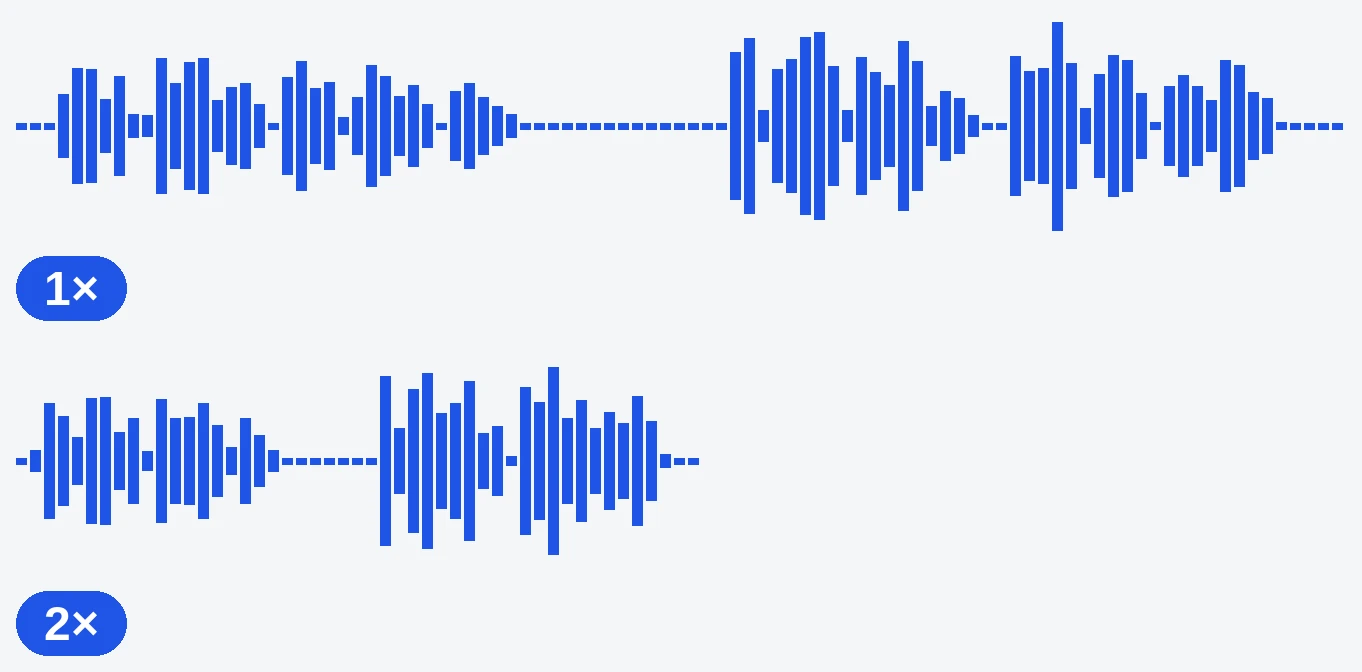
Audio speed adjusts with the video — no desync issues.
Fast & Easy
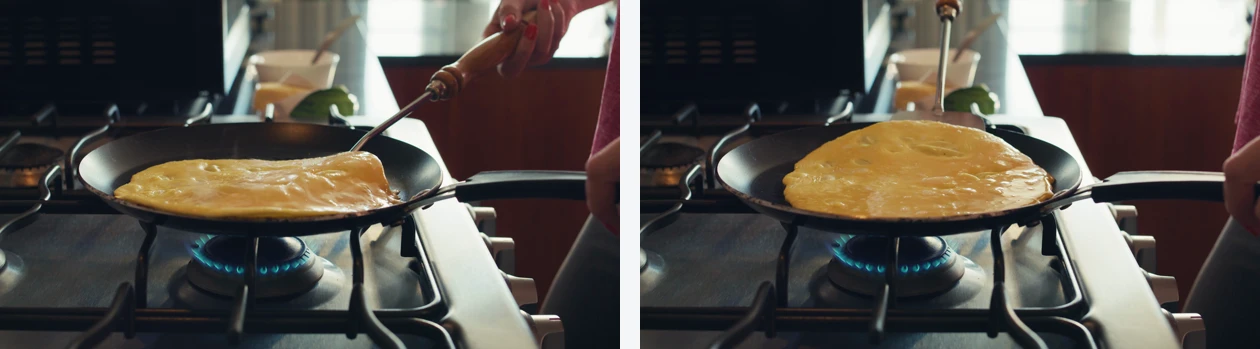
No software needed. Just upload, adjust, download.
CREATIVE PACING MADE EASY
Dramatic slow-motion highlights
Slow your footage to 0.25x for breathtaking cinematic moments — perfect for sports highlights, product reveals, and dance videos. After adjusting speed, burn animated subtitles to add context viewers will love.
Time-lapse and fast-forward sequences
Speed up cooking processes, art creation, or travel footage to 4x for engaging time-lapse content. Then resize the output to 9:16 for TikTok or 4:5 for Instagram without losing the visual impact.
Tutorial pacing optimization
Slightly speeding up tutorials to 1.25x or 1.5x keeps viewers engaged without losing clarity. Remove dead time, then cut remaining silences for a tight, professional tutorial.
Related Tools
Frequently Asked Questions
What speed options are available?
From 0.25x (4 times slower) to 4x (4 times faster). Common options: 0.5x, 0.75x, 1.5x, 2x.
Does audio adjust with the video?
Yes, the audio pitch and speed adjust proportionally with the video speed.
Can I create slow motion?
Yes, set the speed to 0.25x or 0.5x for smooth slow motion effects.
Will quality be affected?
Speed adjustment requires re-encoding, but we use high-quality settings to minimize any loss.
Is it free?
Yes — free to try, and the video downloads free with the Klipa logo. Logo-free: a small one-time payment (Pass) or a Pro plan.
What is the maximum video length?
Up to 5 minutes without an account and 10 minutes with a free account (2 h with Pro). Note: a 4-minute video at 4x becomes 1 minute.
Can I change speed and remove silences at the same time?
They are separate tools for precise control. Adjust speed here first, then run the result through our silence remover to cut remaining pauses.
Will slow motion make my video blurry?
Slow motion works best with footage shot at high frame rates (60fps+). Standard 30fps footage slowed to 0.25x may appear slightly less smooth but resolution is preserved.
Can I speed up only part of a video?
This tool adjusts the entire video uniformly. To speed up only a section, first cut that segment, change its speed, then rejoin the pieces in your editor.
What Creators Say
Pacing Is the Secret to Great Video
Whether you need dramatic slow motion or energetic fast-forward, Klipa's speed changer gives you full control — right in your browser. Combine it with our silence remover, cutter, and AI subtitles for a complete pacing and production workflow.