Remove Silence from Video Online — Free AISilenceRemover
Automatically cut silences and dead air — tighter videos, free to try.
This tool is being improved
Explore other toolsDaily limit reached
Fetching a video from a link can take longer than uploading a file — up to a minute or two for a long video.
Your file is kept — processing resumes automatically.
This limit resets tomorrow. Go Pro to never hit it again, on every tool.
Your file is kept: processing resumes where it stopped.
One job at a time. Yours finishes, then this one starts.
Drop to upload
Drop your file here
Or use the other entry, it stays available.
MP4, MOV, AVI, MKV, WebM
Free to try · no account required
Drop to upload
Convert to:
Translate to:
Timings preserved
Free to try
Platform
Duration
Free account required to use this tool. Sign up in seconds!
Free to try · no account required
Quota is based on full video duration. Queued and running tasks are included; the exact balance is checked before transfer.
COMPATIBLE PLATFORMS
Your Hashtags Are Ready!
Hashtags copied to clipboard — paste them in your post!
Klipa just saved you time. Give us 30 seconds back — leave a review on Trustpilot.
Conversion Complete!
Preview below. Download your file whenever you like.
Klipa just saved you time. Give us 30 seconds back — leave a review on Trustpilot.
Translation Complete!
Preview below. Download your file whenever you like. Timecodes are preserved.
Klipa just saved you time. Give us 30 seconds back — leave a review on Trustpilot.
Pick two different languages to start dubbing.
The sample plays in the target language so you can compare before starting.
Keep original voice underneath
Low volume, behind the translated voice.
Your Video Script
Klipa just saved you time. Give us 30 seconds back — leave a review on Trustpilot.
Your video is received and saved. It will start as soon as a machine frees up.
It's ready
This stage works through the video end to end. The percentage will only move once it's done.
This is the longest stage of the job. It is moving, even when the number isn't.
Cancel now? The work already done will be lost and the file will have to be uploaded again.
Get an email the moment it's ready.
Klipa is preparing your preview
Your best clip is being cut and auto-reframed (face tracking). This preparation happens only once — about 30 seconds.
Upgrade to generate your clips with this style, or continue free with the Minimal style.
Burning in the captions…
Klipa is burning your captions into this clip, in the style you chose — identical to the preview. This takes a moment, keep the page open.
The burn failed — nothing was lost, you can retry.
This file is no longer available
Keep your videos between sessions and get free credits for your next exports.
Preparing your logo-free video… The download will start on its own.
Klipa just saved you time. Give us 30 seconds back — leave a review on Trustpilot.
Convert THIS video in full · up to 2 GB / 2 h · one-off
File expired
Relaunch burningClean file, no watermark.
Klipa just saved you time. Give us 30 seconds back — leave a review on Trustpilot.
Monthly limit reached
Your free plan hit its burn limit this month. Your settings are saved — unlock this result or go Pro to burn now.
Subtitle workshop
Your subtitled video is readyFree download stays available below: the videos will carry the Klipa logo in the center and bottom.
We're preparing your logo-free videos…
We couldn't prepare your logo-free videos. Write to us — your purchase is safely recorded.
Klipa just saved you time. Give us 30 seconds back — leave a review on Trustpilot.
Your video is ready
Download the full video, in full quality
Find all your videos, wherever you are
Longer videos and larger files with Pro.
Your original video is still available. Try another tool:
You've used up your 120 minutes
Your downloads have used your allowance, and this video needs more. The Downloads plan opens 100 hours of video per month — enough to stop counting altogether.
- 100 hours per month — 12× your current allowance
- HD and 4K, without paying video by video
- Every platform, no app and no ads
No commitment — cancel in one click, any time.
Remove silence from a video automatically
Silence, hesitation and dead air between sentences lose the viewer. Removing silence from a video tightens the pace and wins back minutes — with no need to cut every gap by hand in an editor.
Why remove silence?
A talking-head video easily holds 20 to 30% silence: breaths, pauses, sentences searching for their ending. Removing that silence makes the delivery sharp and professional. On social media, where attention is decided in three seconds, one silence too many is enough to lose the viewer.
How the silence remover finds the gaps
The tool analyses the loudness of the audio track and detects every silence below a threshold you set. It then cuts that silence while keeping a safety margin before and after each sentence, so a word is never clipped. You can also choose to speed up the silence instead of removing it.
Remove silence and filler words
Beyond silence, the tool can also strip the "um" and "uh" that clutter the delivery. Silence removed, filler words removed: the final cut is clean, and you never touched a timeline.
What the tool produces

How to remove silence from a video in 3 steps
Upload the video
Drop the video you want to remove silence from: MP4, MOV, MKV or WebM.
Tune silence detection
Adjust the silence threshold and the safety margin, then choose to cut or speed up the silence.
Download the video without silence
Get back a tighter video, silence removed, ready to publish.
Why remove silence with Klipa?
Automatic silence detection
Every silence is found and cut automatically, with a margin that protects the start and end of each sentence.

Adjustable silence threshold
You decide the loudness below which a passage counts as silence to remove.
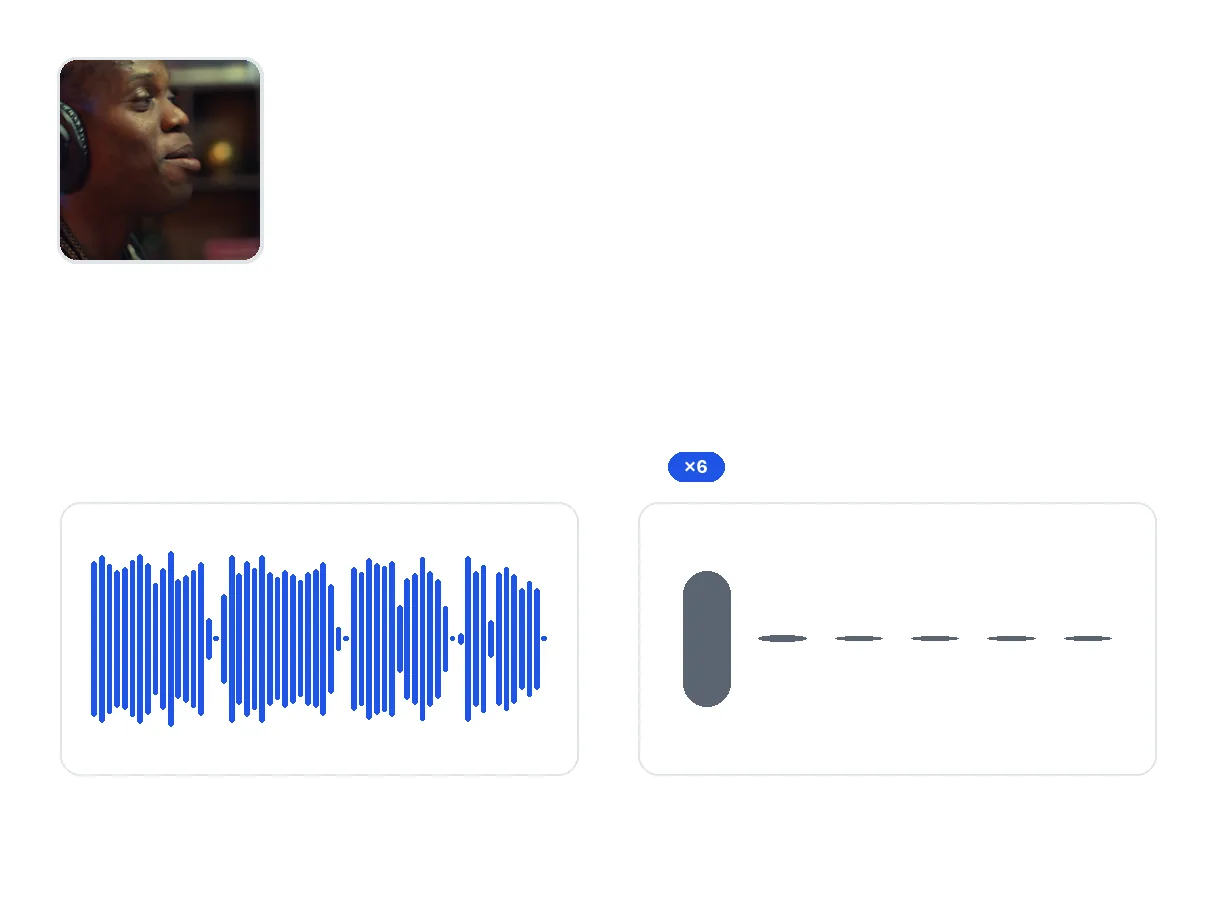
Cut or speed up the silence
Remove silence outright, or speed it up to keep continuity without losing the pace.
Filler word removal
On top of silence, the tool strips the ums and uhs for a clean delivery.
When cutting silence helps
Remove silence from a filmed podcast
Gaps between questions and answers add up: removing that silence shortens the episode without cutting substance.
Remove silence from a tutorial
During a demo, silence creeps in. The silence remover strips it and keeps the explanation dense.
Remove silence before making clips
A video stripped of silence yields punchier short clips for TikTok, Reels or Shorts.
Silence remover — frequently asked questions
How do I remove silence from a video automatically?
Upload the video, set the silence threshold, then run it: every detected silence is cut with a margin that protects the sentences.
Can the silence remover cut words off?
No. A safety margin is kept before and after each sentence: silence is removed, never the start or end of a word.
Can I speed up the silence instead of removing it?
Yes. The speed-up mode keeps the silence but plays it faster: useful when an image has to stay on screen.
Does it also remove filler words?
Yes, optionally: filler words are detected and stripped along with the silence.
How much time can a video save?
Depending on the speaking pace, removing silence cuts 10% to 30% of the duration.
Which video formats are accepted?
MP4, MOV, MKV and WebM. The silence-free video is delivered as MP4.
Is the picture quality preserved?
Yes. Only the silent passages are removed: the resolution and the audio of the rest are untouched.
Do I need an account to remove silence?
This AI tool needs a free account: its granted credits cover your first exports, and your videos are kept between sessions. The file is delivered clean, with no logo.
What Creators Say
A clean cut, without touching a timeline
Removing silence from a video by hand costs hours of cutting. Klipa's silence remover finds every silence, cuts it with the right margin, strips filler words along the way, and hands you a video with professional pacing.