

AI Video Montage — turn a long video into ashortvideo
AI watches your whole video, keeps the moments that matter and edits them into one condensed video. No software to install.
This tool is being improved
Explore other toolsDaily limit reached
Fetching a video from a link can take longer than uploading a file — up to a minute or two for a long video.
Your file is kept — processing resumes automatically.
This limit resets tomorrow. Go Pro to never hit it again, on every tool.
Your file is kept: processing resumes where it stopped.
One job at a time. Yours finishes, then this one starts.
Drop to upload
Drop your file here
Or use the other entry, it stays available.
MP4, MOV, AVI, MKV, WebM
Free to try · no account required
Drop to upload
Convert to:
Translate to:
Timings preserved
Free to try
Platform
Duration
Free account required to use this tool. Sign up in seconds!
Free to try · no account required
Quota is based on full video duration. Queued and running tasks are included; the exact balance is checked before transfer.
COMPATIBLE PLATFORMS
Your Hashtags Are Ready!
Hashtags copied to clipboard — paste them in your post!
Klipa just saved you time. Give us 30 seconds back — leave a review on Trustpilot.
Conversion Complete!
Preview below. Download your file whenever you like.
Klipa just saved you time. Give us 30 seconds back — leave a review on Trustpilot.
Translation Complete!
Preview below. Download your file whenever you like. Timecodes are preserved.
Klipa just saved you time. Give us 30 seconds back — leave a review on Trustpilot.
Pick two different languages to start dubbing.
The sample plays in the target language so you can compare before starting.
Keep original voice underneath
Low volume, behind the translated voice.
Your Video Script
Klipa just saved you time. Give us 30 seconds back — leave a review on Trustpilot.
Your video is received and saved. It will start as soon as a machine frees up.
It's ready
This stage works through the video end to end. The percentage will only move once it's done.
This is the longest stage of the job. It is moving, even when the number isn't.
Cancel now? The work already done will be lost and the file will have to be uploaded again.
Get an email the moment it's ready.
Klipa is preparing your preview
Your best clip is being cut and auto-reframed (face tracking). This preparation happens only once — about 30 seconds.
Upgrade to generate your clips with this style, or continue free with the Minimal style.
Burning in the captions…
Klipa is burning your captions into this clip, in the style you chose — identical to the preview. This takes a moment, keep the page open.
The burn failed — nothing was lost, you can retry.
This file is no longer available
Keep your videos between sessions and get free credits for your next exports.
Preparing your logo-free video… The download will start on its own.
Klipa just saved you time. Give us 30 seconds back — leave a review on Trustpilot.
Convert THIS video in full · up to 2 GB / 2 h · one-off
File expired
Relaunch burningClean file, no watermark.
Klipa just saved you time. Give us 30 seconds back — leave a review on Trustpilot.
Monthly limit reached
Your free plan hit its burn limit this month. Your settings are saved — unlock this result or go Pro to burn now.
Subtitle workshop
Your subtitled video is readyFree download stays available below: the videos will carry the Klipa logo in the center and bottom.
We're preparing your logo-free videos…
We couldn't prepare your logo-free videos. Write to us — your purchase is safely recorded.
Klipa just saved you time. Give us 30 seconds back — leave a review on Trustpilot.
Your video is ready
Download the full video, in full quality
Find all your videos, wherever you are
Longer videos and larger files with Pro.
Your original video is still available. Try another tool:
You've used up your 120 minutes
Your downloads have used your allowance, and this video needs more. The Downloads plan opens 100 hours of video per month — enough to stop counting altogether.
- 100 hours per month — 12× your current allowance
- HD and 4K, without paying video by video
- Every platform, no app and no ads
No commitment — cancel in one click, any time.
Turn a long video into a short video, automatically
An hour-long talk, a recorded podcast, a two-hour livestream: the content is good, but almost nobody watches it to the end. The missing work is always the same — finding the five minutes worth watching and dropping the rest. It takes hours, and it is exactly what AI video montage does for you.
The tool listens to the entire video, spots the passages that actually carry something, then stitches them back together in order as one condensed video. You do not get a list of moments to assemble: you get a finished edit, ready to publish.
What the tool produces
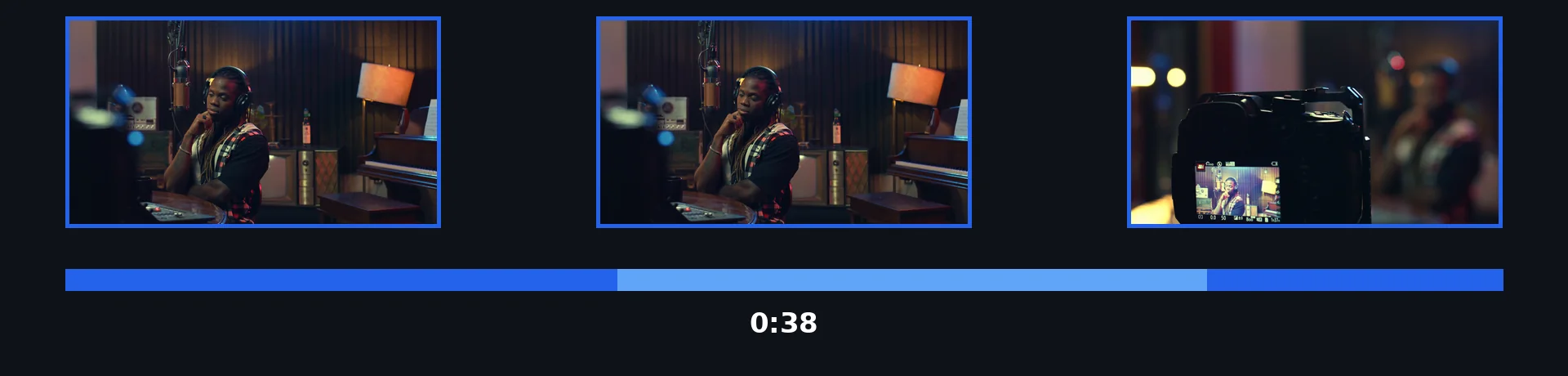
How to turn a long video into a short video in 3 steps
Import the long video
Drop your file, or paste the link of an online video. Talk, recorded podcast, livestream, webinar: the longer the source, the more the edit has to work with.
Choose the length you want
Leave it on Auto for a length that fits your video, or aim for 1, 2 or 5 minutes depending on where it will be published.
Get the finished edit
You get a single video, already assembled and ready to publish — and you can still reframe or caption it afterwards.
Why edit your video with AI
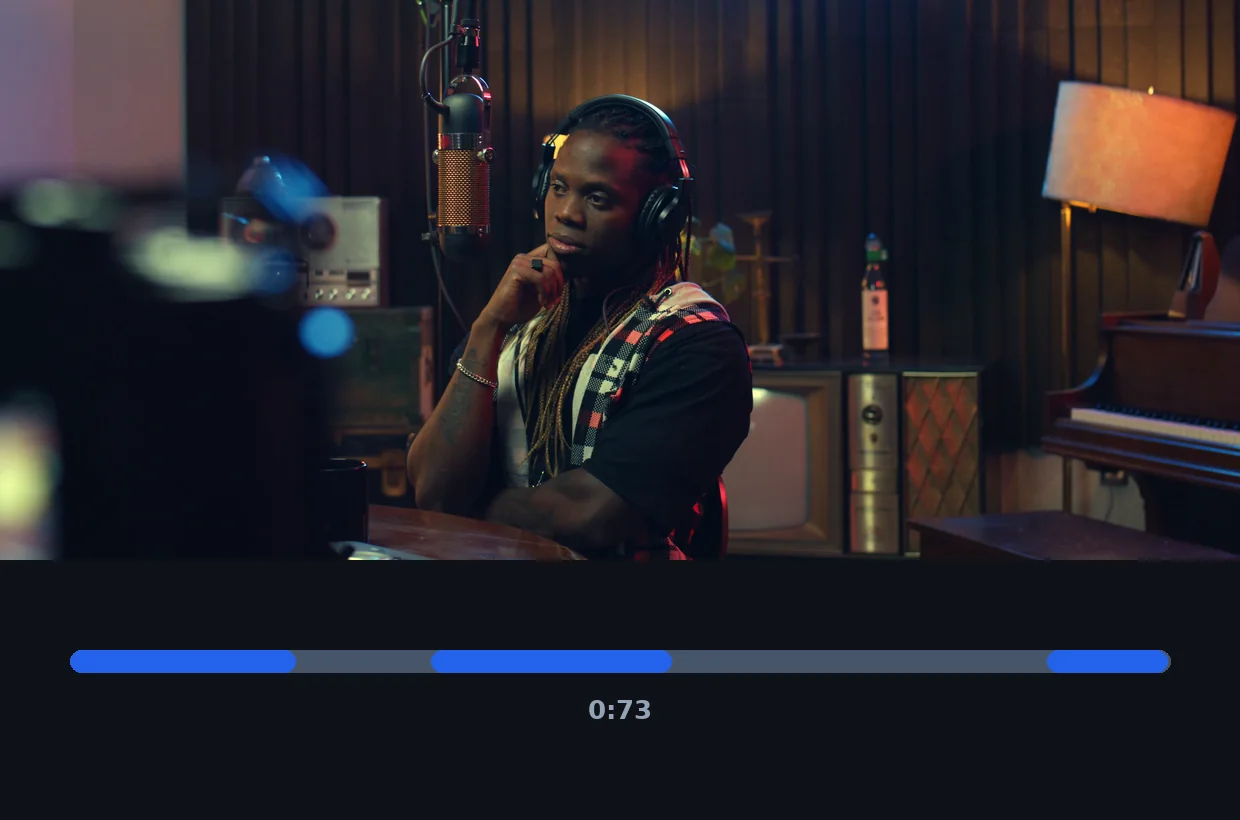
The cuts are decided by AI
AI follows what is being said from start to finish, spots the passages that carry information or emotion, and drops the padding, the repeats and the dead air.
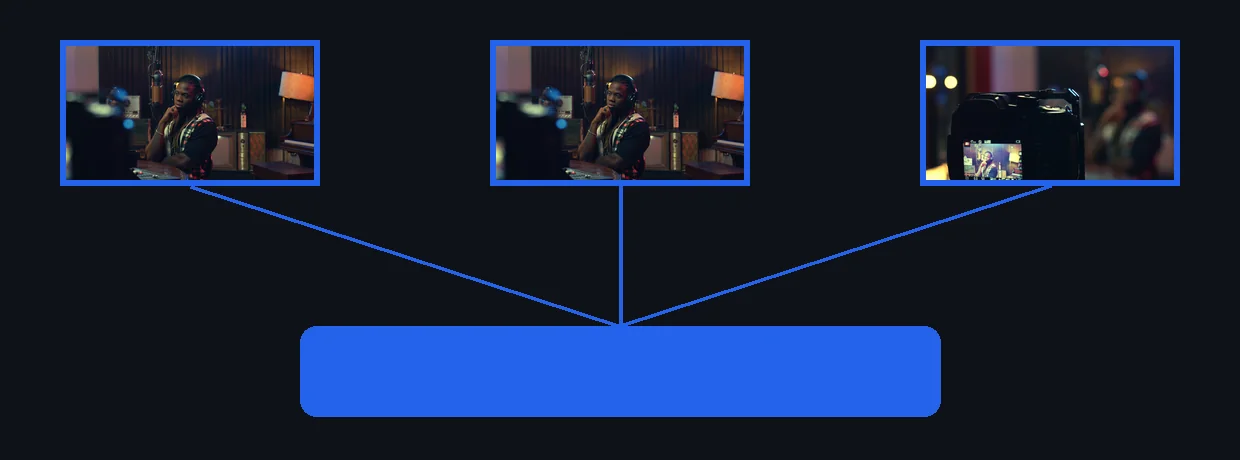
The assembly is done for you
The selected passages are stitched back together in order, with clean cuts. You get a finished video, not a list of timestamps to edit yourself.
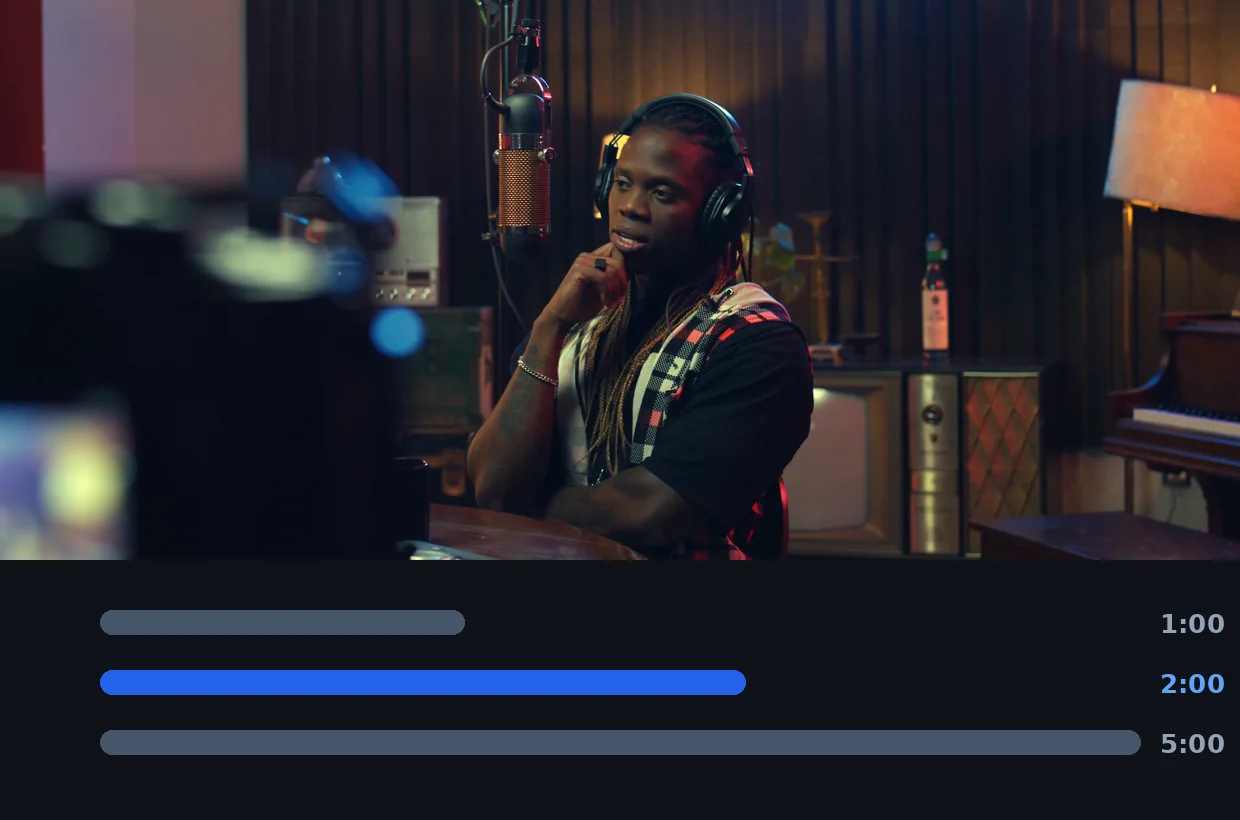
You decide the length
Auto fits your source; otherwise you set a target length and the edit stays as close to it as possible, without ever cutting mid-sentence.
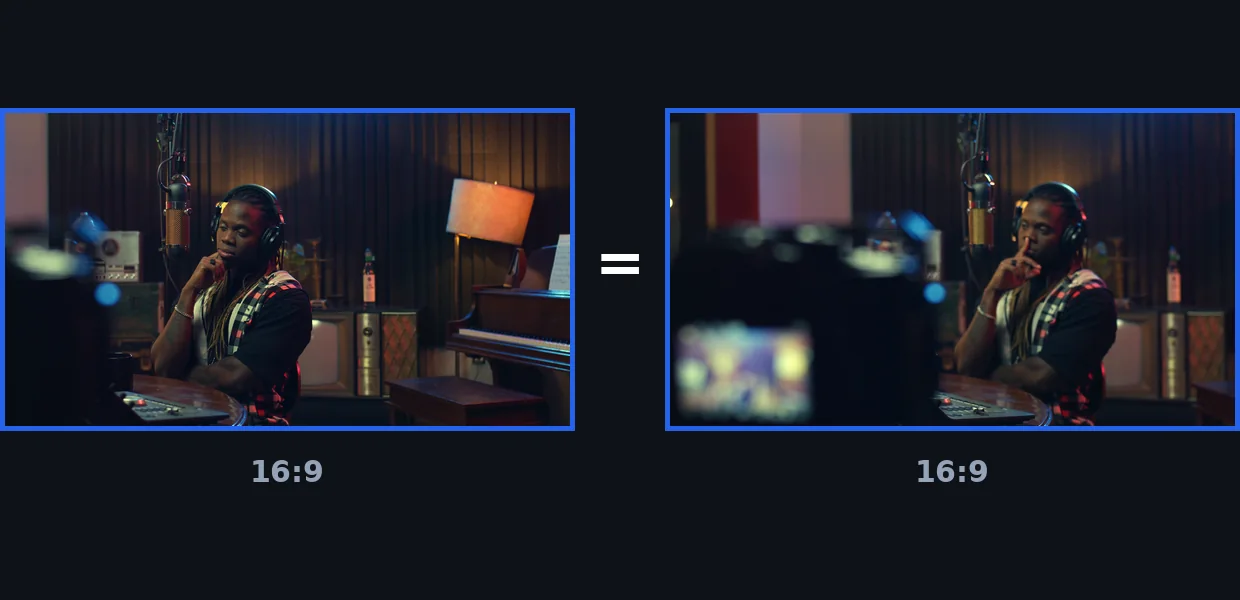
Your original format is kept
The video keeps its aspect ratio and its resolution. Need a vertical or captioned version? Chain into the next tool without re-uploading the file.
When to condense a long video
A conference or webinar replay
An hour of presentation is rarely watched in full. The edit turns it into the short version that actually circulates — the one shared internally or featured on a page.
A recorded podcast or an interview
Keep the best answers and cut the follow-ups, the hesitations and the off-topic stretches. To go further, AI Clips splits the same source into several vertical excerpts.
A livestream or a gaming session
Hours of live footage become a few minutes of best-of: this is the format that brings people back to the channel between two streams.
A recorded course or tutorial
The condensed version works as a recap: the essentials without rewatching the full walkthrough. Then add animated subtitles to make it readable with the sound off.
AI video montage — frequently asked questions
How do I turn a long video into a short video?
Import the video, choose the length you want, then start the edit: AI selects the passages worth keeping and assembles them into one short video, with nothing to do on your side.
How does the AI choose what to keep?
It analyses what is said across the whole runtime and keeps what moves the point forward: strong answers, key explanations, turning points. Silences, digressions and repeats are dropped.
How long will the final video be?
On Auto, roughly a tenth of the original runtime — long enough to keep the thread, short enough to be watched to the end. You can also aim for 1, 2 or 5 minutes.
Does the edit keep the original order?
Yes. The kept excerpts stay in chronological order, so the argument still makes sense and nothing feels rearranged.
Can I then reframe the result for TikTok or Reels?
Yes. The edit comes out in your original aspect ratio; from the result screen you can send it in one click to vertical reframing or to animated subtitles, without re-uploading the file.
How long a video can I import?
This tool is built for long videos — that is its raw material. If your file goes beyond your plan's limit, the screen tells you before processing starts, never after.
Do I need an account to edit a video?
The edit is delivered clean, with no logo. The tool needs a free account and uses your credits based on the analysed length; the credits granted on sign-up cover your first edits.
Which video formats are supported?
MP4, MOV, AVI, MKV and WebM as input. The edit is rendered as MP4, which plays everywhere.
What Creators Say
The long edit, without the hours of editing
Condensing a video by hand means listening to all of it, noting timestamps, then cutting and stitching in an editor. Klipa walks that path for you: import the long video, say how long you want the result, and collect the edit. What used to take half a day now fits into a coffee break.