

Subtitle Converter — SRT, VTT, ASS Online, Free
Convert SRT, VTT and ASS subtitle files online — free, timings preserved.
Drop your subtitle file here
SRT, VTT, ASS, SSA

The Fastest Way to Convert Subtitle Files Online
Working with subtitles means juggling different formats for different platforms. YouTube wants SRT, HTML5 players need VTT, and advanced styling requires ASS. Klipa's free subtitle converter handles all of these formats instantly, preserving every timecode, accent, and special character in the process.
No software to install, no learning curve. Upload your file, pick the output format, and download in under a second. Already have a video that needs captions? Generate them automatically with our AI subtitle generator, then convert the result to any format. Or translate your subtitles into 30+ languages before converting.

How to Convert Subtitles in 3 Steps
Upload Your Subtitle File
Drag and drop any SRT, VTT, ASS, or SSA file up to 5 MB. The tool auto-detects the input format and parses every timecode and text entry. If you do not have a subtitle file yet, create one with our AI transcription tool.
Choose Your Output Format
Select SRT for maximum compatibility, VTT for web video players, or ASS for styled subtitles with fonts and colors. Each format is generated with proper encoding and structure.
Download Instantly
Your converted subtitle file is ready in under one second. Download it and add it to your video player, upload it to YouTube, or import it into editing software. Need to translate it first? Use our subtitle translator.
Why Use Our Subtitle Converter?
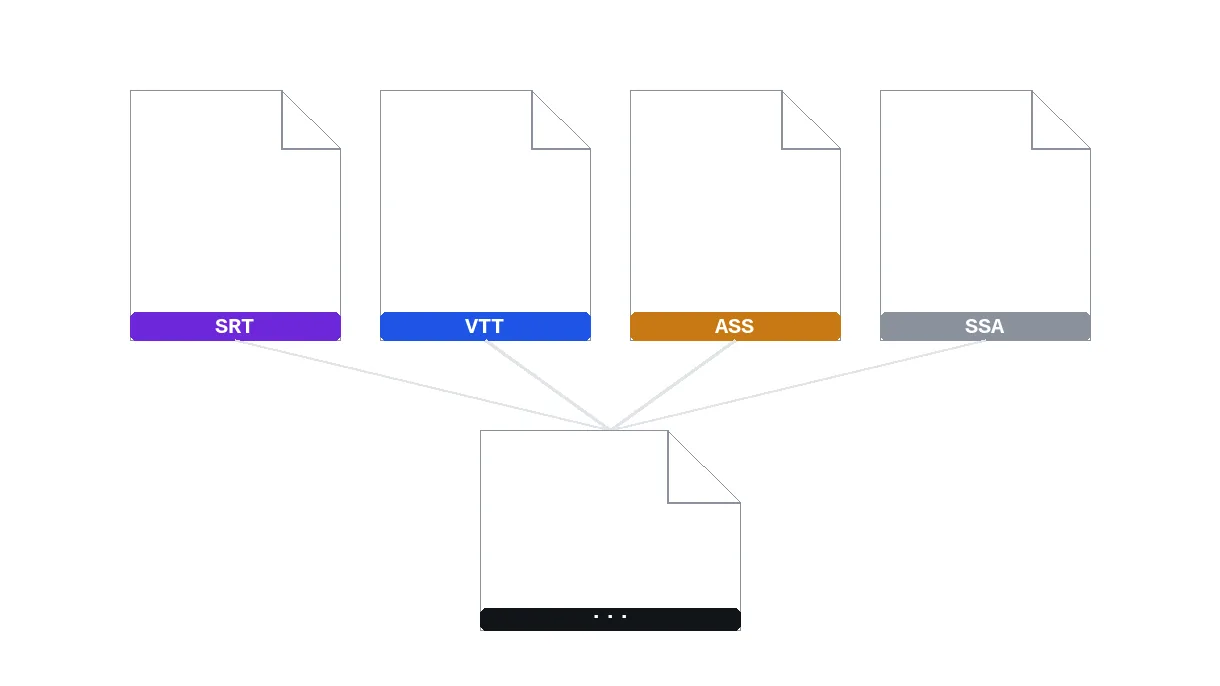
All Major Formats
Convert between SRT (SubRip), VTT (WebVTT), ASS (Advanced SSA), and SSA (SubStation Alpha).
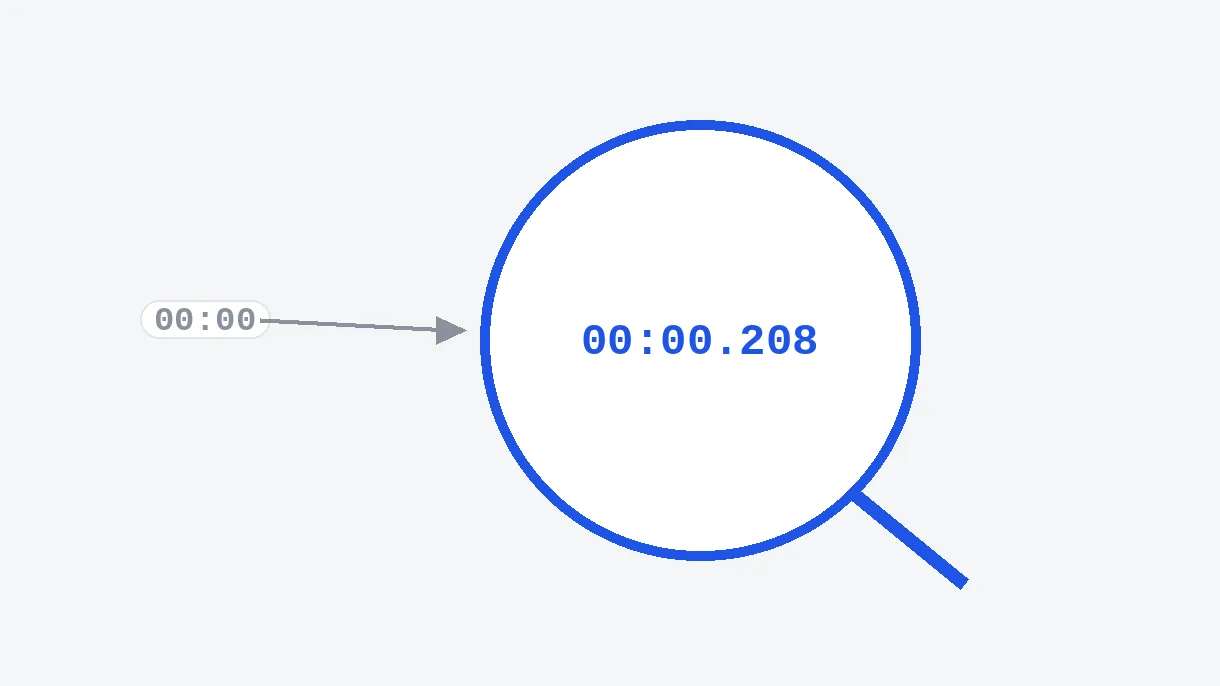
Perfect Timecodes
Timecodes are precisely converted between formats with no drift or loss.
Special Characters
Full Unicode support — accents, CJK characters, Arabic, Devanagari, all preserved.
Instant, no watermark
Conversion in under a second, with no watermark. First try with no signup, included in Pro and Studio.
PERFECT SUBTITLES ON EVERY PLATFORM
YouTube & Social Media Publishing
YouTube accepts SRT and VTT, but most subtitle tools export ASS. Convert your styled subtitles to SRT in one click so you can upload them alongside your video. Pair this with our video compressor to optimize your upload.
Web Video Players & HTML5
HTML5 video tags require VTT format for native subtitle support. Convert your existing SRT files to VTT instantly so viewers can toggle captions on your website. For the video itself, our video converter ensures browser-compatible formats.
Professional Subtitle Workflows
Localization teams often receive subtitles in mixed formats from different translators. Standardize everything to one format in seconds. Combine with our AI subtitle translator to scale your localization pipeline across 30+ languages.
Related Tools
Subtitle Converter — FAQ
What subtitle formats are supported?
Input: SRT, VTT, ASS, SSA. Output: SRT, VTT, ASS. All timecodes and text are perfectly preserved.
Will my timecodes be accurate?
Yes! Timecodes are converted with millisecond precision between all formats.
Are special characters preserved?
Absolutely. All Unicode characters are preserved, including accents, CJK, Arabic, and emoji.
What's the difference between SRT and VTT?
SRT uses commas in timecodes (00:00:01,000) and is the most universal format. VTT uses dots (00:00:01.000) and supports HTML5 video players natively.
What is ASS format?
ASS (Advanced SubStation Alpha) supports rich formatting: fonts, colors, positions, and animations. Used by fansubbers and professional subtitle tools.
Is there a file size limit?
Max 5 MB per file. That's enough for most subtitle files (even multi-hour videos).
Can I convert ASS styling to SRT?
Yes. The text content and timecodes are preserved. ASS-specific styling (fonts, colors, positions) is stripped since SRT does not support them. For styled subtitles, keep the ASS format or burn them into the video directly.
Does the converter handle right-to-left languages?
Absolutely. Arabic, Hebrew, Farsi, and all RTL scripts are fully supported with proper Unicode encoding in every output format.
Can I batch convert multiple subtitle files?
Currently one file at a time, but each conversion takes under a second. For large-scale needs, generate subtitles automatically with our AI subtitle generator which outputs in your preferred format directly.
Convert your subtitles now
Instant, all formats supported.
No credit card required
Convert Subtitles in One Click
Klipa's subtitle converter handles SRT, VTT, and ASS. Use it alongside our AI subtitle generator, subtitle translator, and video converter for a complete subtitle workflow. Try it now, first try with no signup.
