

Add Watermark to Video Online Free: 3 Easy Steps
You exported a video and realized your logo never made it onto the frame. Now every repost, download, and misattributed clip risks stripping your credit. The fix is…
Overlay your logo on any video — free, online, position and size it freely.
Drop your file here
MP4, MOV, AVI, MKV, WebM

To add a logo to a video, upload the file, choose your image — a PNG with transparency gives the cleanest result — drag it where you want it, set its size and opacity, then export. The logo is burned into the frames themselves, so it travels with the video wherever it gets reshared. Free, online, with no software to install.
A logo signs: it shows your brand, usually in a corner, discreet but readable. A watermark protects: it discourages uncredited reuse, and sits larger, more transparent, sometimes across the picture. If protection matters more to you than branding, the add watermark tool fits better.
Every platform lays its own interface over your video: TikTok takes the right edge and the bottom, Instagram the bottom, YouTube the lower-right corner during playback. A logo in the top-left stays readable almost everywhere. Then set opacity between 60 and 80%: high enough to be seen, low enough to leave the picture alone.
Overlaying a logo doesn't reopen the edit: it adds a layer on top, leaving resolution, colours and sound untouched. So you can sign a final export without rebuilding it. Afterwards, compress it if it's too heavy to send, or resize it for the platform you're posting to.



The logo is burned into the video itself: wherever your content travels, it stays signed.

Place the logo in any corner, adjust its size and opacity, and preview the result before launching.
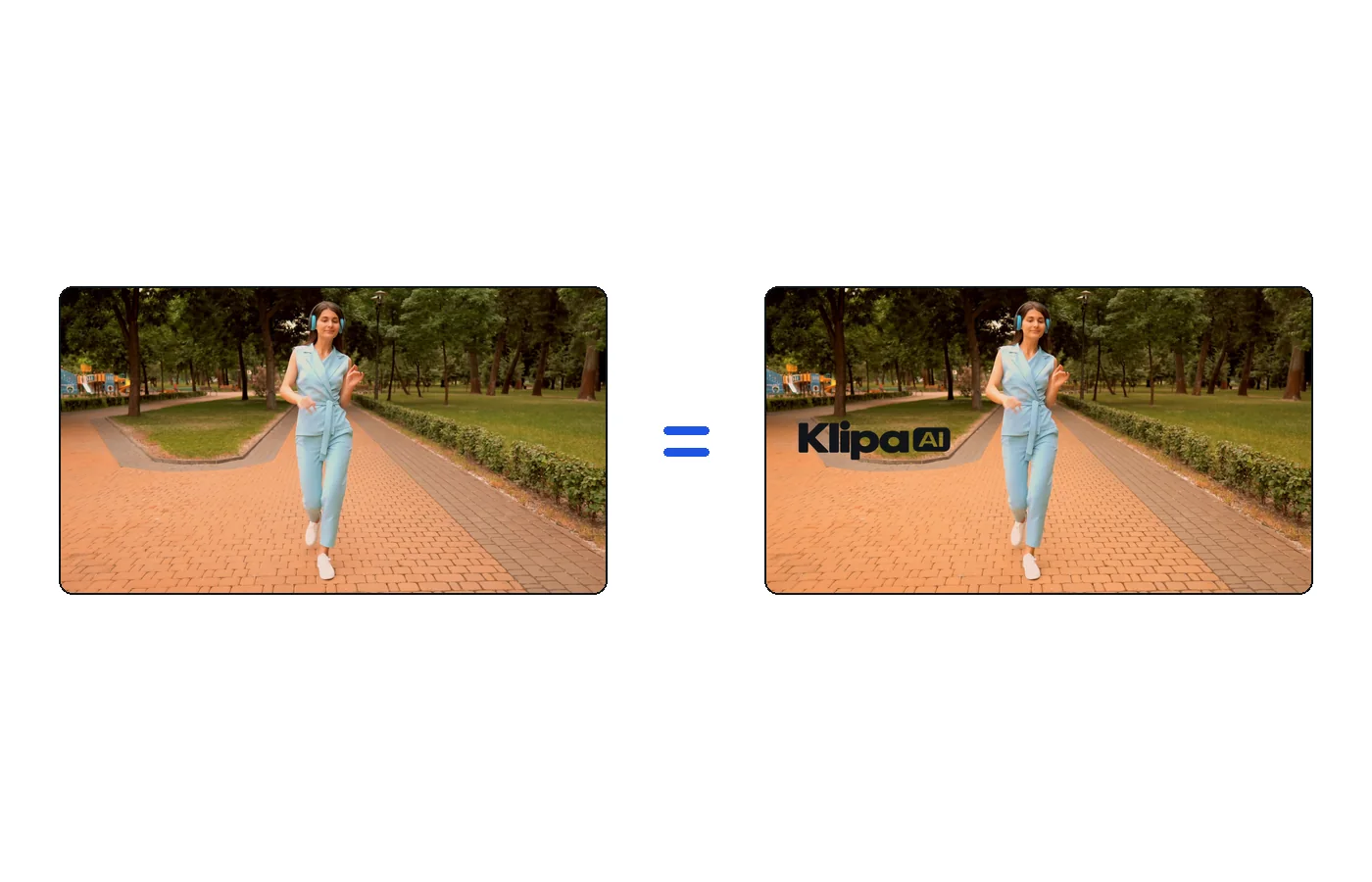
The video keeps its colors, its sound and its resolution, up to your plan's maximum quality.

The file comes out as an MP4 that plays everywhere — social networks, website, presentation.

You exported a video and realized your logo never made it onto the frame. Now every repost, download, and misattributed clip risks stripping your credit. The fix is…

Facebook does not apply a watermark to videos uploaded directly to a page or profile. The logo you see after using a random downloader is the downloader’s own brand…
Your first result in minutes. Try it now.
No credit card required
