

Speed Up Video Online Instantly with This Free Tool
Many creators think they need expensive editing software just to speed up a video. That’s false. You can speed up video online directly from your browser. Klipa…
A thirty minute tutorial, a long drive, an hour of someone painting a wall: the footage is good, the pace is not. Playing it faster is the quickest way to give it back its rhythm. Add the file, pick a speed, and the whole video plays faster from the first second to the last, with its sound.
The slider opens on 2x, double speed, so a ten minute recording becomes five. It goes up to 4x, which turns ten minutes into two and a half, and it can go back down if you overshoot. The page does one simple thing: it plays the video you uploaded at a different pace and gives you a new MP4. Nothing is added, and nothing is invented.
The audio is compressed in step with the picture, so voices and actions stay together. Its pitch does not change, so nobody turns into a chipmunk. There is a natural limit, though: speech stays easy to follow up to about 2x, and beyond that it starts to blur. For a talk or a lesson, choose between 1.25x and 2x; for a silent screen recording or a landscape, 4x is perfectly fine. A video without a sound track is processed silent.
Not in the strict sense. A true time-lapse is filmed by taking one image every few seconds. Here you speed up normal footage, and you get a similar feeling for slow processes such as cooking, drawing or construction. The movement keeps the smoothness of your original recording, since the frame rate of the source is preserved.
The slider stops at 4x.
The speed is applied evenly. To speed up only a stretch, cut that stretch first, change its speed, and keep it as its own clip.

Pick an MP4, MOV, AVI, MKV or WebM file, up to 2 GB. A screen recording, a phone clip or a camera file all work. If the file is very heavy, compress it first.
The slider opens on 2x. Move it to 1.5x for a light tightening, or toward 4x for a fast forward effect. Remember that speech is hardest to follow beyond about 2x.
You receive a shorter MP4 with the sound sped up to match. Watch it through first and make sure the dense sequences are still understandable at the speed you chose.
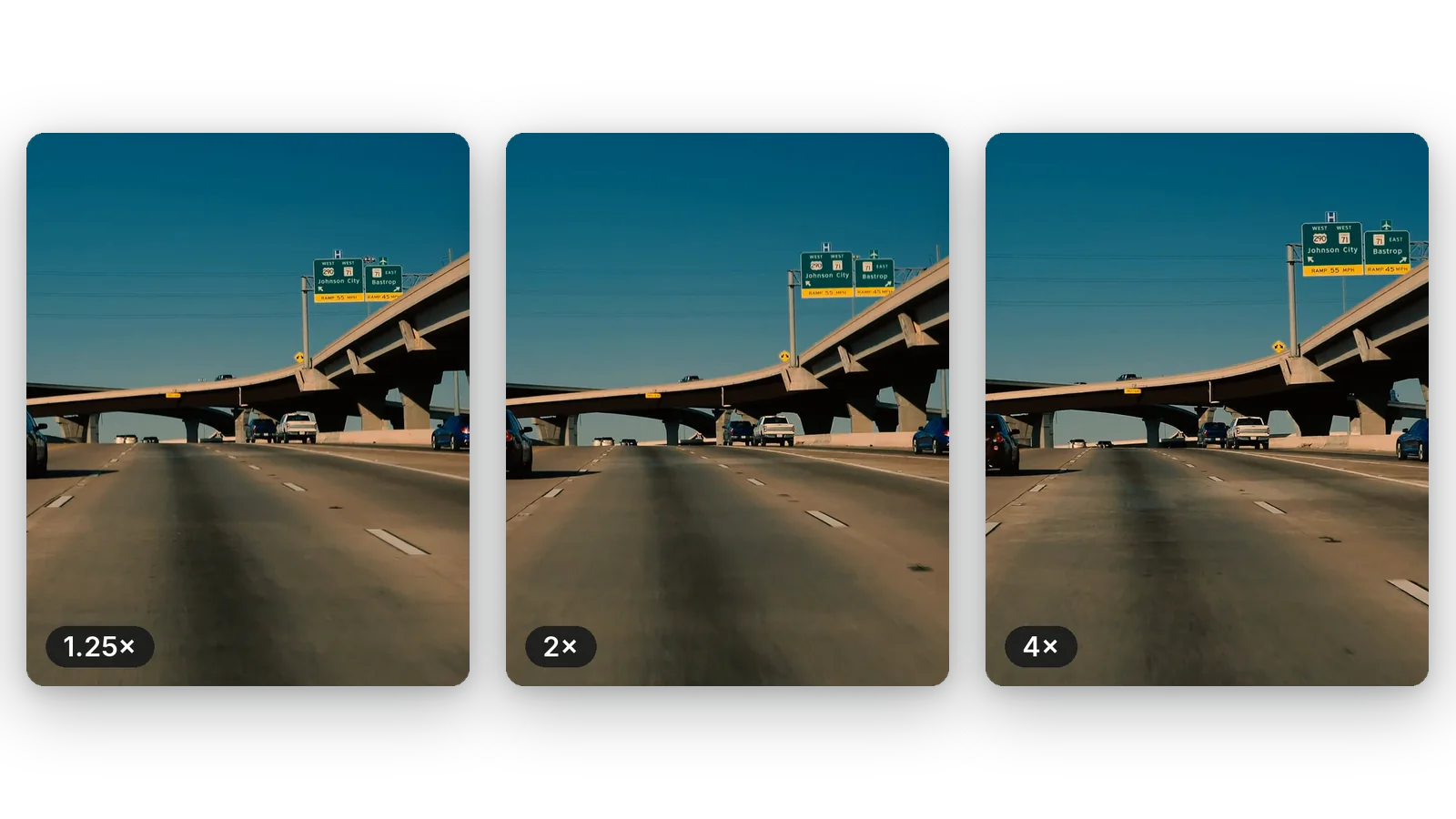
Pick the amount of tightening that suits the content and the audience. A small boost removes the drag from a lesson, double speed shortens a long recording, and 4x gives the rushed look of a fast forward. The slider lets you try each of them on the same file.
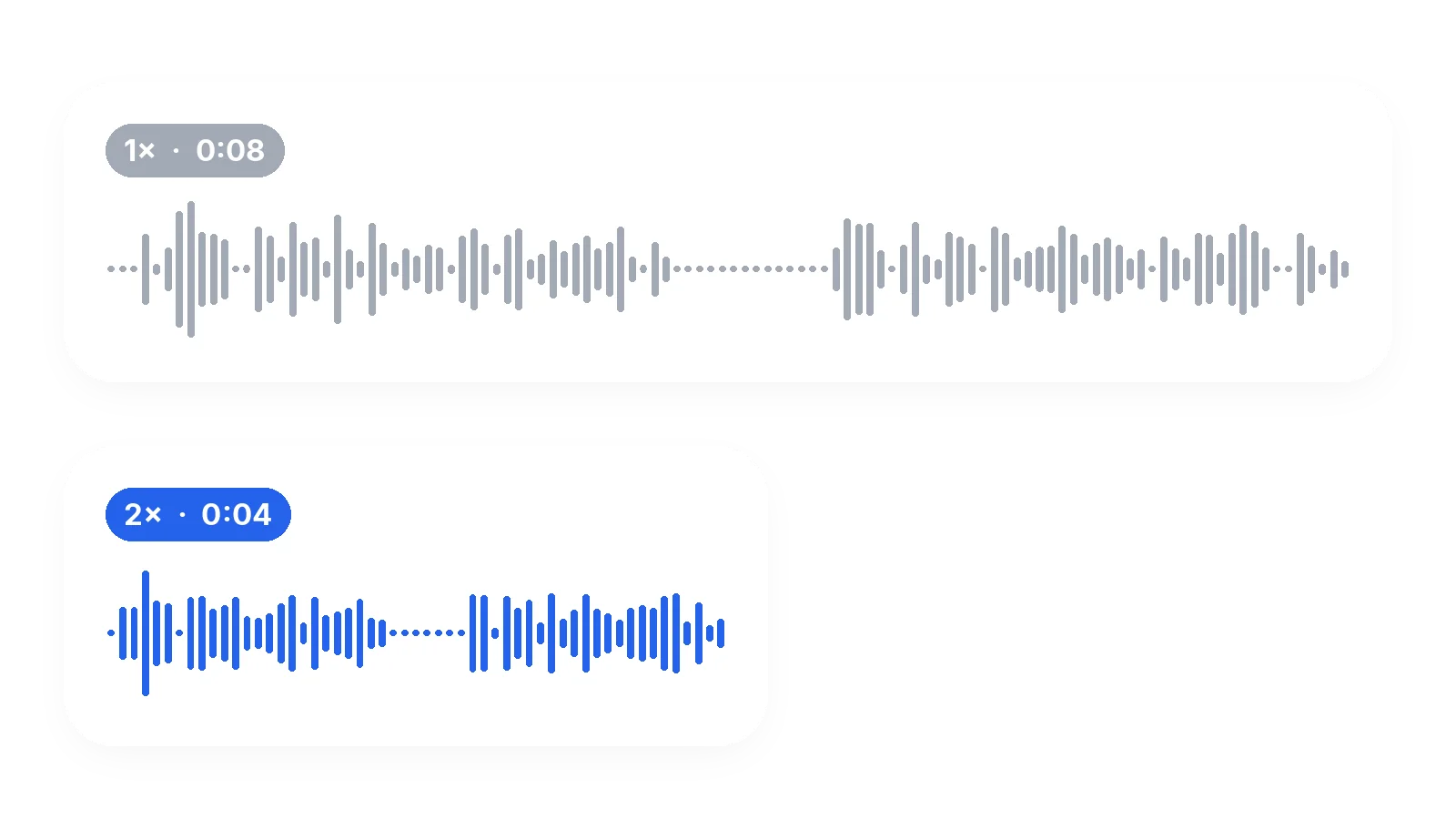
The audio is sped up together with the picture and keeps its natural pitch, so a voice does not rise into a squeak. Up to about 2x, speech remains understandable. If the clip has no audio track, it is simply returned silent.
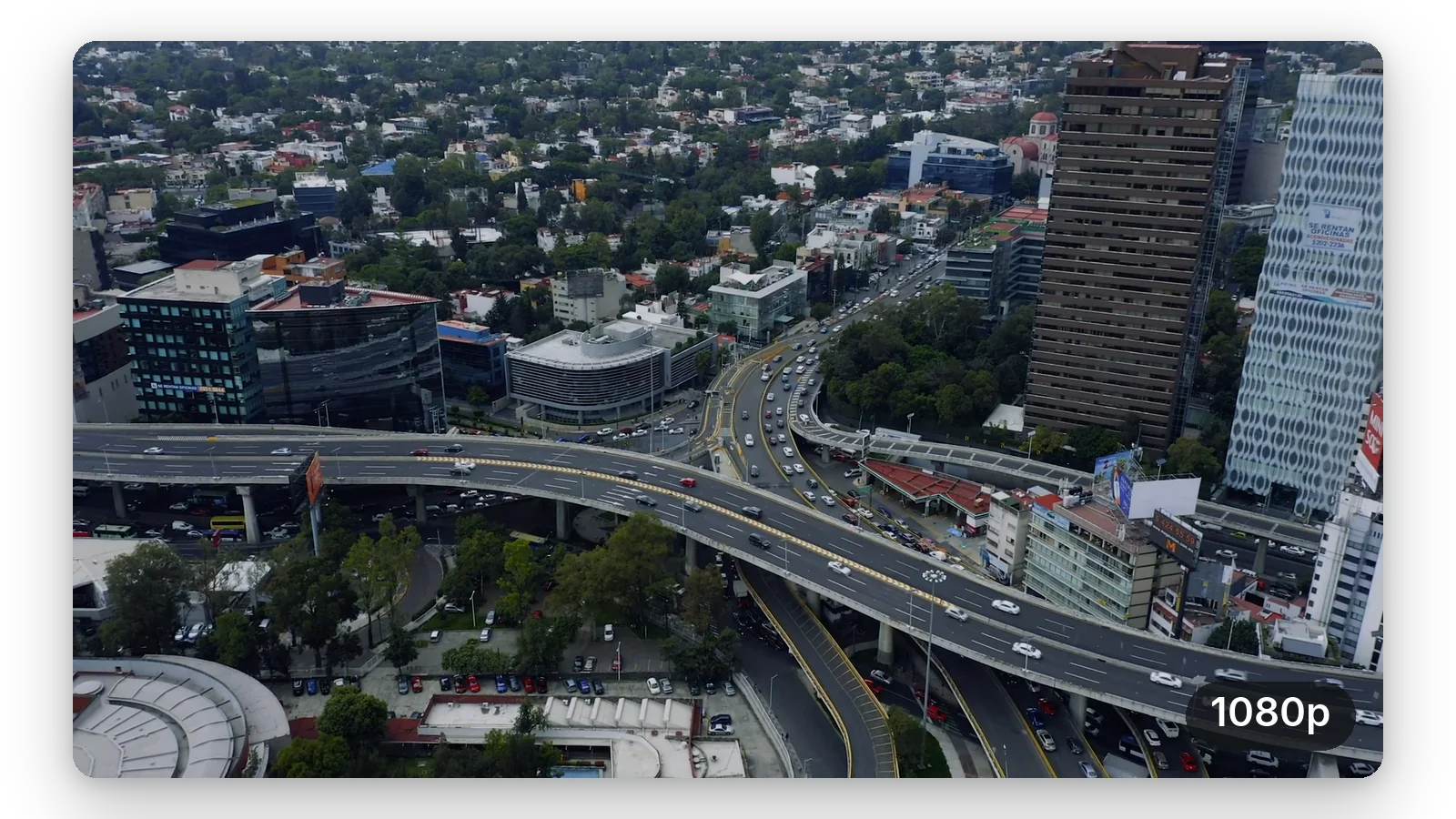
Your clip keeps the frame rate it was filmed at, so a sped-up video does not stutter more than the original did. The picture size stays the same, and the result is an MP4 that opens on nearly any phone or computer.
A video that becomes shorter is also processed faster, since the output is the thing being produced. No software to install, no timeline to learn. You can try it on your real file without creating an account, and see the result before deciding anything.
A lesson recorded in one take has pauses and slow stretches. Playing it at 1.25x to 1.5x tightens it without making the speaker hard to follow, and your viewers finish more of it.
Installing software, filling in a long form, watching a build or an export run: these recordings are slow to watch. At 3x or 4x, only the progress remains, and a viewer sees the whole procedure in a minute.
Kneading, painting, assembling a shelf, planting a garden: speed the long middle part to 4x so the viewer sees the transformation instead of waiting for it. Slow gestures turn into a lively sequence.
A road trip filmed from the dashboard, a walk through a market, a train ride. At 4x, an hour becomes fifteen minutes, enough to show the journey and its landscapes without testing anyone's patience.
A crowd moving, a table being set, an outfit change: a burst of fast motion makes a short post feel energetic. Reserve it for the moments that benefit, and keep everything else at its natural pace.
Yes. Add your file on this page, move the slider above 1x and download the result. It runs from the browser of your computer or phone, and the page opens on 2x so you can see the effect right away.
Leave the slider on 2x, which is where the page starts, then launch the processing. A ten minute video becomes five minutes, and a sixty second clip lasts thirty seconds. The sound is sped up at the same rate, so nothing drifts out of sync.
Add the file just as it is, straight from the phone or after copying it to your computer: iPhone recordings are normally MOV or MP4, both accepted, up to 2 GB. Pick the speed and download the new MP4. You do not need to convert the video beforehand, and the output is a standard MP4.
Not in one pass: the slider stops at 4x, its upper limit. For a very long recording, removing the slow stretches first with a cutter, then speeding up what remains, usually reads better than pushing the speed higher, and the sound stays easier to follow.
No. The audio is shortened without raising the pitch, so voices keep their natural tone and nobody sounds like a cartoon. They get faster, though: up to about 2x speech stays easy to follow, and beyond that it becomes hard to understand.
Divide the length by the speed you picked. At 2x it lasts 15 minutes, at 3x ten minutes, and at 4x seven and a half minutes. Do the same sum for your own file before processing, to know the final length and decide whether it is short enough for where you plan to publish it.
Yes — the first try is free, with no signup. The video downloads with the Klipa logo; without the logo with a Pass or a Pro plan. You can check the speed on your own file before deciding about anything else.
The look is similar, the method is not. A real time-lapse captures one image every few seconds. Here you play an ordinary recording faster, which works well for slow tasks such as cooking, painting or travelling, and keeps the smoothness of the original.
The speed covers the entire video. For a single stretch, trim it out beforehand, speed up that piece alone, and either keep it as its own video or slot it into your editing software among the parts you left untouched.
The frame rate of your source is kept, so the motion is as smooth as the original, and the picture size does not change. What you download is a fresh MP4 encoded in high quality, so a faint loss is possible, as with every export.

Many creators think they need expensive editing software just to speed up a video. That’s false. You can speed up video online directly from your browser. Klipa…

You hit the upload button and wait. And wait. The progress bar hasn’t budged. Your slow motion video—that buttery 240fps clip—is a data beast. It’s too large for…

Want to turn a long, boring clip into a fast-paced timelapse or create a hilarious hyperlapse for TikTok? The good news: you don’t need any fancy apps. Your…
Add a recording, keep the slider on 2x or push it to 4x. The first try is free.
No credit card required
People stay with a video that moves. Speed is the simplest way to cut dead time: 1.25x for a lesson, 2x for a long recording, 4x for a slow process. When the result is still too long, cut the minutes you do not need, and when you want to send or upload it quickly, compress the finished file to make it lighter. Start with the default 2x and adjust from what you see. A few minutes of testing on a short excerpt is enough to find the speed that suits your footage, your voice and your audience.
