

How to Download TikTok Videos on PC Without Watermark
TikTok never gives you a direct ‘Save as MP4’ button for other people’s clips—the app wraps every downloaded video in a scrolling watermark, because the file you…
Download TikTok videos as MP4 with sound — free, no app, no watermark.

Save videos from any platform, no watermark.
Found an inspiring TikTok video or photo slideshow you want to keep, reference later, or repurpose? Klipa's TikTok downloader saves complete videos without the watermark (MP4), and also downloads photo slideshows — every image in full resolution plus the background music, bundled into a single ZIP file. Just paste the link and download in one click — no app install required.
Once downloaded, the possibilities are endless. Trim the best part, turn it into a GIF, or add subtitles in a different language to share with a wider audience.


Open TikTok, tap the Share button on the video or photo slideshow you want, and select Copy Link. The URL will look like tiktok.com/@user/video/... or .../photo/... — both standard TikTok link types work.
Paste the copied URL into the field above and click Download. For a video, our server fetches it in full and strips the TikTok watermark. For a photo slideshow, it automatically grabs every image in full resolution plus the background music.
For a video you get a complete MP4 file; for a slideshow, a ZIP containing the photos and the music. From there you can compress your video for sharing, or extract the audio if you only need the sound.
Download TikTok videos without the TikTok watermark. Photo slideshows are saved in full resolution.
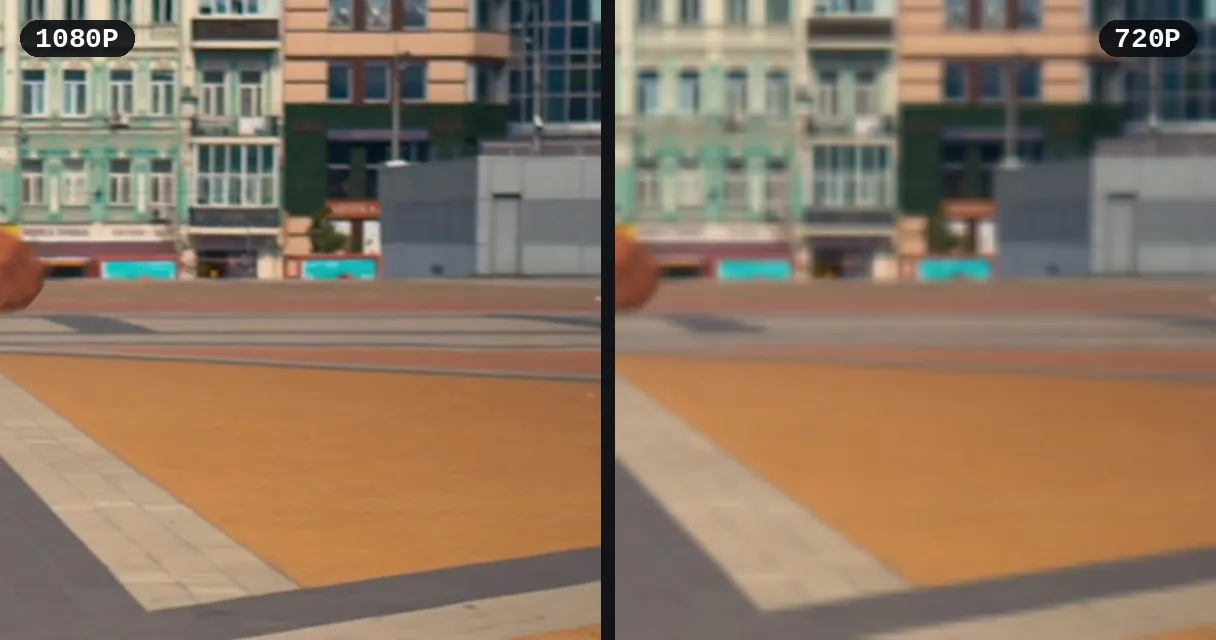
Free download in good quality; HD or 4K depending on the source as a paid unlock, video by video. Photo slideshows delivered in full resolution plus the music, in a ZIP. Audio also available as MP3.
Works directly in your browser. No need to install any app or extension.
Fast and ad-free.
Build a personal library of trending content for reference and inspiration — both videos and photo slideshows (carousels) — watermark-free. Trim specific sections to keep only the moments that matter.
Traveling or expecting spotty internet? Download your favorite TikToks ahead of time for offline viewing. Videos save as standard MP4 files that play in any media player. Convert to another format if needed.
Reaction videos, compilations, and educational breakdowns often start with a TikTok clip. Download the source video watermark-free, then cut and subtitle it for your own platform.
Download multiple TikTok videos to assemble themed compilations or highlight reels. Save each clip without the watermark, then use the cutter to select the best segments from each video before combining them in your favorite editing software.
Stay ahead of TikTok trends by saving viral videos in your niche for offline analysis. Spot the formats that drive engagement and replicate the winning patterns. Use AI transcription to extract the scripts and hooks that make top-performing TikToks so effective.
Open TikTok, tap 'Share' on the video, copy the link, paste it here, and click Download.
Yes! Our tool downloads TikTok videos without the TikTok watermark whenever possible.
No, only publicly accessible TikTok videos can be downloaded.
Videos are downloaded in MP4 format, compatible with any device. Photo slideshows are delivered as images (JPG) plus the background music, bundled into a ZIP file.
You can use up to 300 minutes per 7 days without an account; higher quotas are available with Free, Pro, and Studio.
Yes. Pick the “Audio (MP3)” format before pasting the link and our tool extracts the soundtrack directly as an MP3 file, without downloading the video. To pull the audio from a video already on your device, use our audio extractor.
Downloading for personal use is generally acceptable. Always credit the original creator if you repost or remix the content. Check TikTok's terms of service for your specific use case.
Yes. This tool works in any mobile browser — Safari, Chrome, or Firefox. Paste the link, download, and the file saves to your camera roll or downloads folder.
Make sure the TikTok link is public and not from a private account. Try copying the URL again from the TikTok app. If issues persist, the video may have been removed by the creator.
Yes! Paste a TikTok slideshow link (a /photo/ link) and our tool automatically downloads every photo in full resolution, the background music, plus a ready-to-share MP4 video that sets the photos to the music — all bundled into a single ZIP file. If TikTok temporarily blocks a specific post, try again a moment later.

TikTok never gives you a direct ‘Save as MP4’ button for other people’s clips—the app wraps every downloaded video in a scrolling watermark, because the file you…

You found the perfect photo slideshow on TikTok. The images are stunning, the aesthetic is exactly what you need, but when you hit ‘Save,’ you’re left with that…

You found it—the perfect TikTok. Maybe it’s a new dance trend, a hilarious skit, or a tutorial you need to save for later. You hit the share button, but the only…
No watermark, no app. Just paste and download.
No credit card required
Save a compatible public TikTok video or photo slideshow, then cut, subtitle, or convert it.
