

Video Downloader Twitter: Save & Compress MP4 Clips
Many people assume Twitter has a built-in ‘Download’ button hidden somewhere in the three-dot menu. It doesn’t. The platform lets you watch, like, retweet, and…
Download Twitter/X videos as MP4 with sound, plus GIFs and photos — free, no app, no watermark.

Save videos from any platform, no watermark.
Paste the link of a public Twitter/X post: a video comes out as an MP4 with sound, a GIF as a .gif file, and a photo in its original resolution (several photos in one ZIP). Up to 300 minutes of video per 7 days without an account — photos and GIFs don't use up those minutes.


Open the tweet containing the video on Twitter or X. Click the Share button, then select 'Copy link'. The URL will look like x.com/user/status/... — both twitter.com and x.com links are supported.
Paste the tweet URL into the field above and click Download. A video comes out as MP4 with sound, a GIF as a .gif file, and a photo as the original image.
Click download to save the MP4 file. You can then compress it for messaging apps, extract the audio for podcasts, or grab the same content from TikTok if it was cross-posted.
Works with twitter.com and x.com links to compatible public video posts.
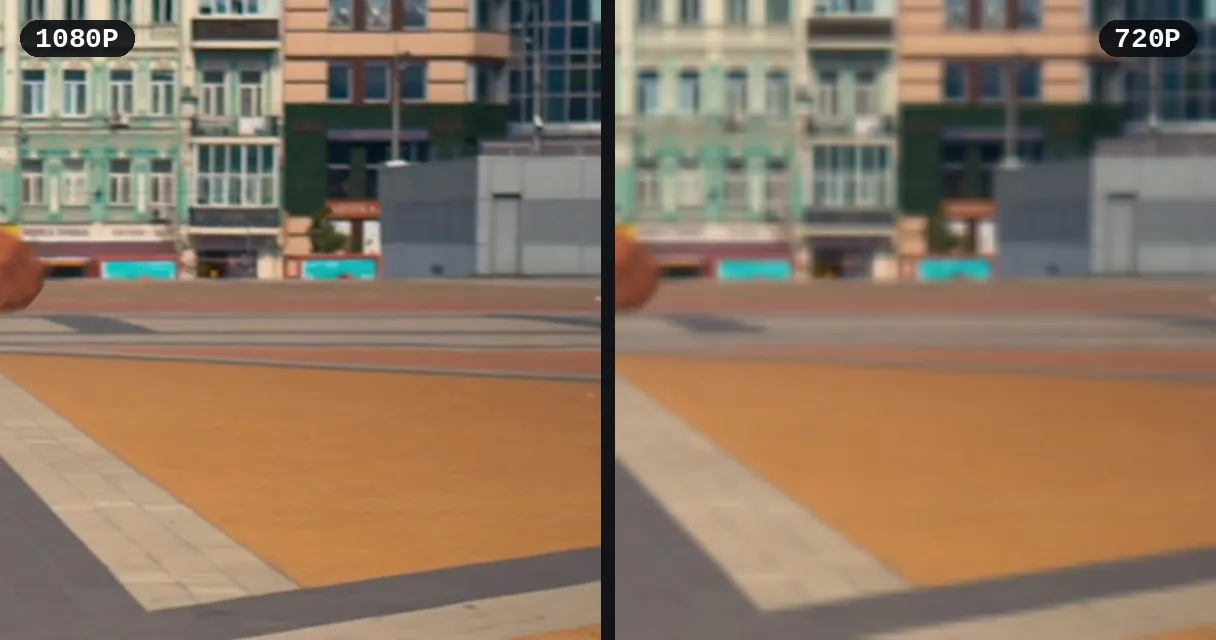
Free download in good quality; HD or 4K depending on the source as a paid unlock, video by video.
A GIF comes out as a real .gif file and a photo in its original resolution. Several photos arrive together in one ZIP.
Paste the tweet link:
Important video content on Twitter can be deleted or made unavailable at any time. Save breaking news clips, press conferences, and on-the-ground footage as permanent MP4 files. Add subtitles to make the content accessible to a global audience.
Build a library of engaging video content from Twitter for inspiration or repurposing. Download videos, trim them to the best moments, and organize by theme. Compress files to keep your archive storage-friendly.
Twitter is a constant source of reaction-worthy moments. Download video tweets and convert them into GIFs for group chats, Slack, or Discord. Cut to the exact frame that captures the perfect reaction.
Click 'Share' on the tweet, then 'Copy link'. The URL looks like https://x.com/user/status/123...
Yes! Both twitter.com and x.com URLs are fully supported.
Currently we support video tweets only. Audio-only content like Spaces is not supported.
No, only publicly accessible tweets can be downloaded.
Yes. Paste the link of the post and you get a real .gif file (up to 480 px wide) that loops anywhere. X stores GIFs as short silent videos; Klipa converts them back for you. A very long GIF stays an MP4.
Compatible public videos can be downloaded without signing up; Pro and Studio offer more download hours.
A real .gif file. X keeps GIFs as short MP4 videos without sound, and Klipa turns them back into a GIF. To make a GIF from a regular video tweet instead, save it as MP4, then use our video to GIF converter.

Many people assume Twitter has a built-in ‘Download’ button hidden somewhere in the three-dot menu. It doesn’t. The platform lets you watch, like, retweet, and…

Scrolling through Twitter, you come across a video with the perfect caption—maybe it’s a hilarious meme with text overlays, or an informative clip with subtitles…

You just watched a killer clip on Twitter and want to keep it forever—but there’s no download button in sight. If you’ve frantically searched “how to download…
Works with twitter.com and x.com. Try free.
No credit card required
Save a public Twitter/X video as MP4, a GIF as .gif or a photo in full size, then cut, subtitle, or convert it. Up to 300 minutes of video per 7 days without an account.
