


Remove Video Background Free in 3 Clicks
The background behind your subject is stealing attention from an otherwise usable clip, and you need a way to remove video background free without buying a…
Klipa automatically cuts out the subject in a video or photo and drops it onto a solid colour, a blur, a custom background or full transparency — right in your browser, with no physical green screen and no editing software to install.
The AI model reads every frame, then smooths the edges over time to cut down on the shimmer that fine hair and moving edges usually cause. Video and stills run through the same engine: upload an MP4, MOV or WebM file, or a PNG/JPEG/WebP photo, then pick the background.
The result mostly comes down to the original footage: a sharp subject that contrasts with its surroundings and is lit from the front cuts out cleanly on the first try. Motion blur, strong backlighting or a shirt close in colour to the wall behind it all make the job harder for any AI model, not just this one. Shooting with enough steady light and without heavy digital zoom that softens detail is the simplest thing you can do before processing even starts.

Drop an MP4, MOV or WebM file, or a PNG/JPEG/WebP photo. Video is processed at up to 4K, and up to 180 seconds with a Pro or Studio plan. Still photos have no duration limit.
Go with a solid colour, a blur, a virtual #00B140 green screen, your own image or video as the new background, or keep it fully transparent for a real alpha-channel export.
Opaque backgrounds export as a ready-to-share MP4; transparent mode exports a ProRes 4444 file with a real alpha channel, ready for your usual editing software.
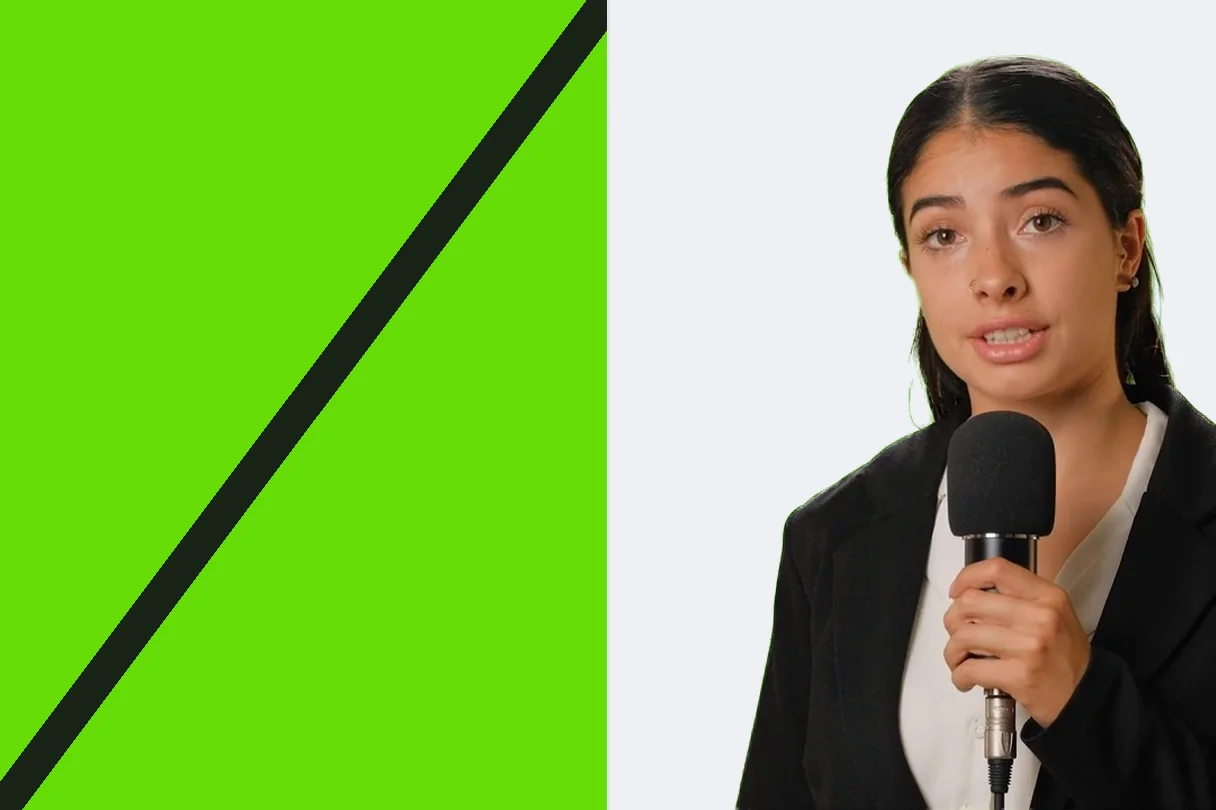
The subject is detected automatically by an AI model, then tracked from one frame to the next, so there's no green screen, backdrop or studio lighting to set up before you get a usable cutout.
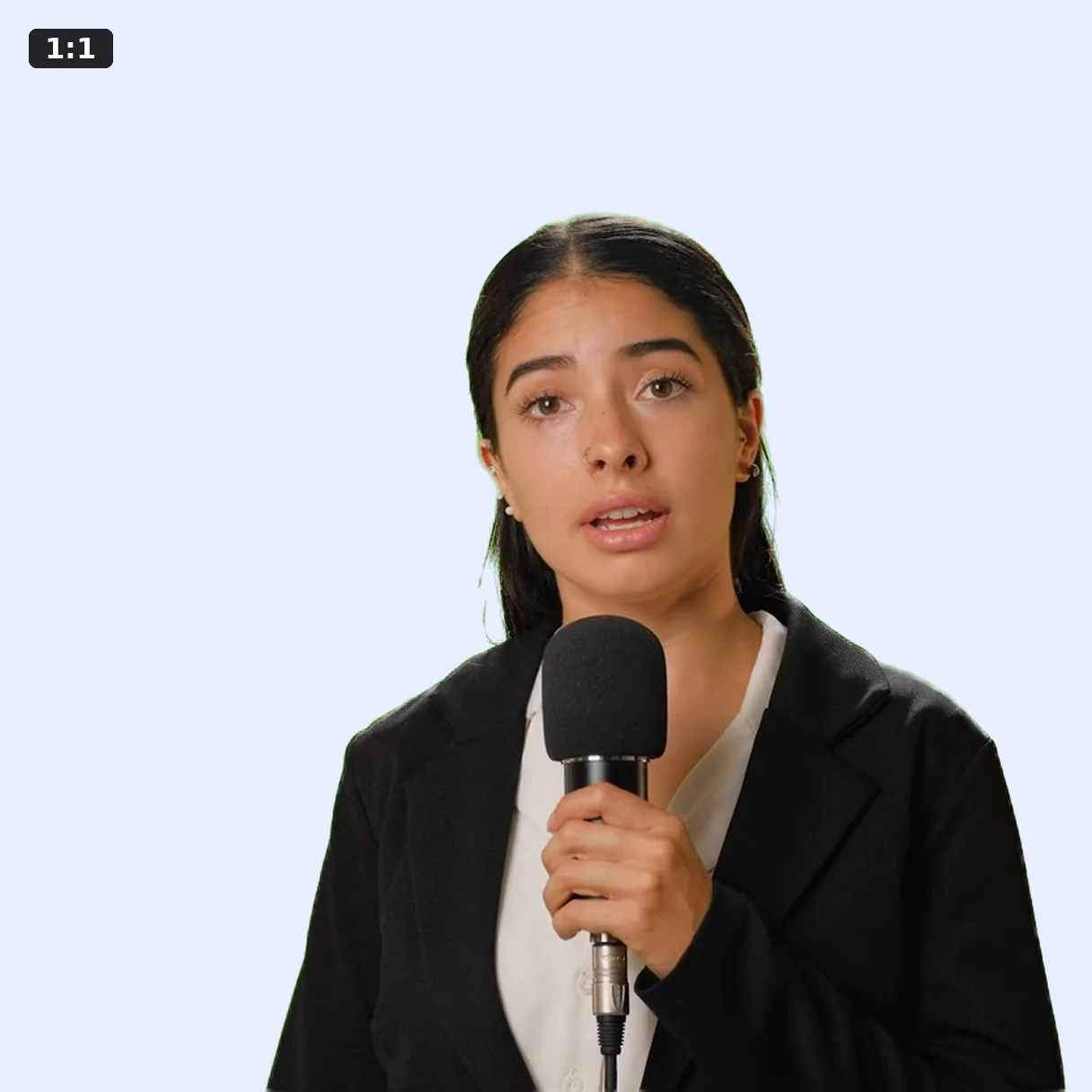
Drop a product onto a clean white, solid or branded background for marketplace listings and TikTok or Meta ads that stay consistent from one variant to the next, so a single filmed take can turn into several ad creatives with different backgrounds instead of a separate shoot per platform.
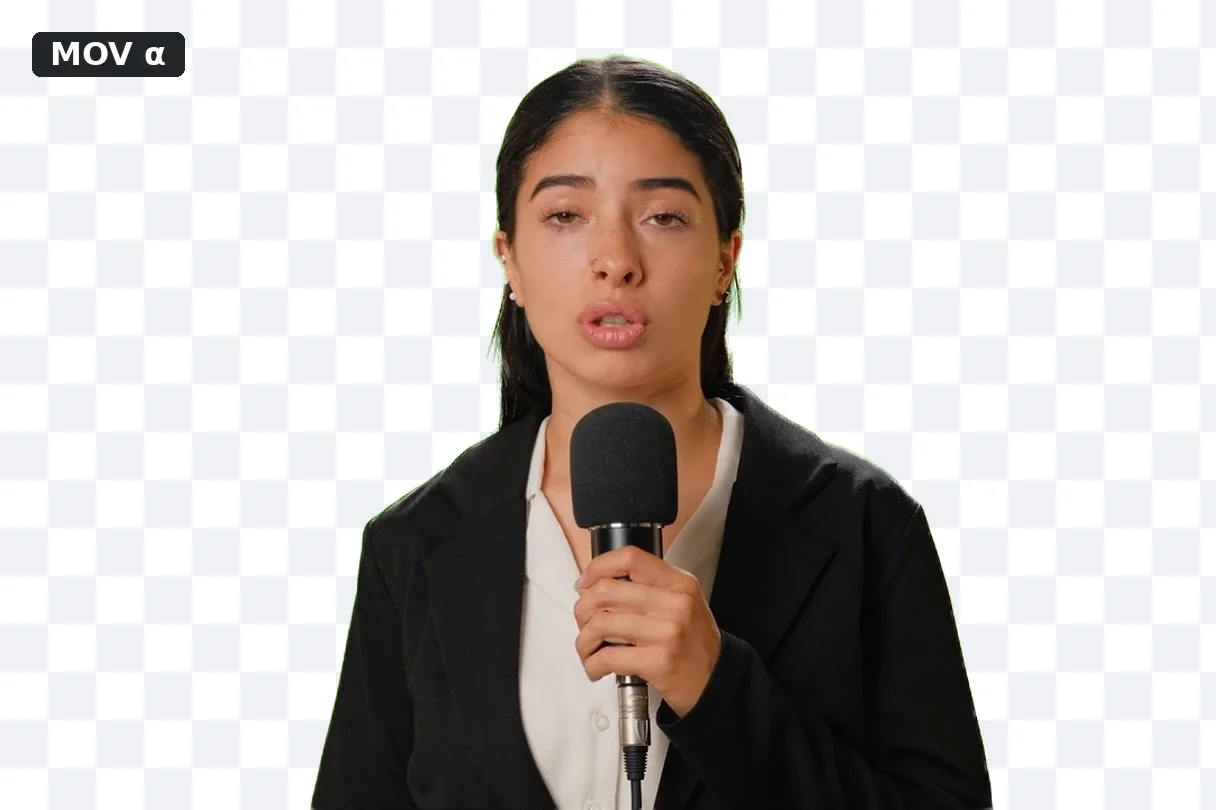
Transparent export produces a ProRes 4444 file with an actual alpha channel, ready to open in Premiere Pro, After Effects, DaVinci Resolve or Final Cut Pro and layer over any other footage.
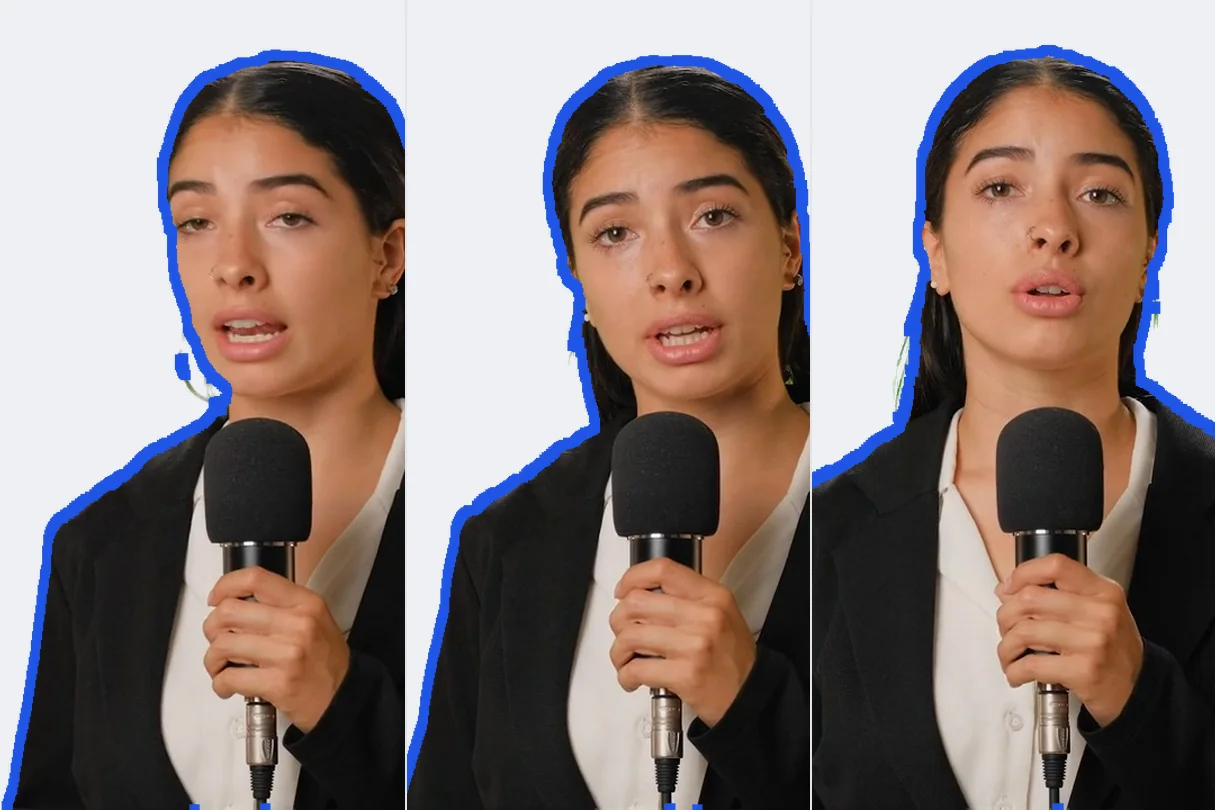
Temporal smoothing carries the edge across frames instead of recomputing an independent mask on every single one, cutting down on the shimmer that usually shows up around hair.
Isolate a hand-filmed product and place it on a plain white or branded background that meets marketplace photo rules — many, like Amazon, require a pure white background for a listing's main image. The same tool handles a product demo clip and a packshot photo alike, without switching software between the two formats or reshooting for every listing or paid-ad variant.
Reuse the same product shot on several background colours to test creative variants in minutes on TikTok, Instagram or Meta, instead of scheduling a new shoot for each one, so you can compare which colour actually performs best before committing ad spend to it.
Replace a cluttered desk or an unfinished wall behind a presenter in a course or webinar with a blur or a plain colour, with no studio or physical green screen at home. A single desk lamp facing the presenter is usually enough for a clean edge, since the model separates a well-lit face and shoulders far more reliably than a dim, backlit room.
Export the cutout as ProRes 4444 with alpha to composite it over another shot, a branded intro or a motion-graphics animation. The file imports like any other clip in Premiere Pro, After Effects or DaVinci Resolve: drop it on a track above the new background and the transparency is already baked in, with no keying step to redo.
Clean up a recorded webcam clip to isolate the streamer, then recompose it over the game footage when cutting a highlight reel, without ever filming in front of a physical green screen. Klipa processes an uploaded recording rather than a live feed, so this fits editing a recap after the stream, not swapping backgrounds in real time.
No. Klipa's AI model detects the subject on every frame without a green screen, special lighting or a calibrated backdrop, so you can remove or replace the background of a video shot in front of an ordinary room, street or shop counter.
Pick transparent mode: Klipa exports a ProRes 4444 (.mov) file with a real alpha channel, for both video and still photos, ready to drop into Premiere Pro, After Effects, DaVinci Resolve or Final Cut Pro to layer over any other footage.
ProRes 4444 opens natively in professional editing software with true transparency on both video and photos. A WebM file with an alpha channel doesn't render consistently across browsers — Safari in particular ignores it and shows a black background instead of transparency.
Yes. Once the subject is cut out, replace the background with a solid colour, a blur, a virtual #00B140 green screen, or your own image or video clip — all inside the same tool, with nothing to export and re-import elsewhere.
Videos are processed at up to 4K. A Pro or Studio plan lets you process clips up to 180 seconds. Photos have no duration limit at all.
Yes. The same engine handles still images (PNG, JPEG, WebP) with no duration limit at all, since there's only one frame to analyse — useful for an isolated product photo or a profile picture, without switching to a separate tool from video. A transparent photo exports as a PNG with a real alpha channel rather than a ProRes file, since there's no video codec involved.
Klipa smooths the mask over time to reduce the shimmer that fine, moving hair usually causes. Results are strongest on a sharp, well-lit subject; very fine flyaway hair or a background close in colour to the subject stays harder to cut out perfectly.
Opaque backgrounds (colour, blur, green screen, custom) are delivered clean, with no watermark. Transparent (ProRes) export remains reserved for the Pass or a Pro plan.
Not always. On a sharp, well-lit subject clearly separated from its background, the result rivals a classic chroma key. On very fine hair, motion blur or a background close in colour to the subject, a physical green screen still keys more reliably than automatic detection.
Colour, blur, green screen, your own image, or real transparency — no green screen needed.
No credit card required
