

3GP to MP4: Make Old Phone Videos Play Again
You’ve found an old phone video, but your laptop won’t open it—or a messaging app rejects it after you try to share it. Converting 3GP to MP4 can make the clip…
You have a video on your phone or your computer, and all you want is what you hear in it: a song, a speech, a voice message, an interview. Klipa's video to MP3 page does exactly that. You choose the file, MP3 is already selected, and you get back a single audio file that plays on practically any device.
People rarely know what format their video is in, and they should not have to. A clip filmed on an iPhone is usually a MOV, a screen recording may be a MKV, a file saved from a website may be a WebM, an old camera may give you an AVI. All of them are accepted here, alongside MP4 and FLV. If the file has a sound track, you can turn it into an MP3. If it has none, there is simply nothing to keep.
Searches like "video to MP3 on iPhone without an app" are common for a reason: store apps are heavy, full of ads, and often ask for a subscription. Here everything happens in the browser. Open the page, select the video from your photo library or your folders, and download the result when it is ready. The same steps work on a computer.
Klipa works on files that belong to you. You cannot paste a YouTube, Facebook or TikTok address and expect an MP3 to come out: there is no link download. If you have the video file itself, for instance one you filmed or received, upload it and the conversion runs from there.
Other audio formats exist, some of them better for editing or for archives, but MP3 remains the one nobody has to think about. A friend can open it, a car stereo can read it, a podcast host accepts it, and a presentation program can play it. That is why it is the starting choice here, and why this page exists for people who simply want a file that works everywhere without fiddling with settings.
Need other formats such as WAV or FLAC? The audio extractor lists them all, and the choice is also offered on this screen before you start.

Drag the file onto the page or pick it from your device. MOV from an iPhone, MP4, WebM, MKV, AVI or FLV: whichever it is, the page takes it as it comes.
MP3 is already chosen for you, so you can start right away. If you prefer WAV, AAC, OGG or FLAC, change the output before pressing the button, then run the conversion.
Once the conversion is over you can listen to the result, then download the file. It is ready to copy to a phone, a car stereo, a music library or an editing project.
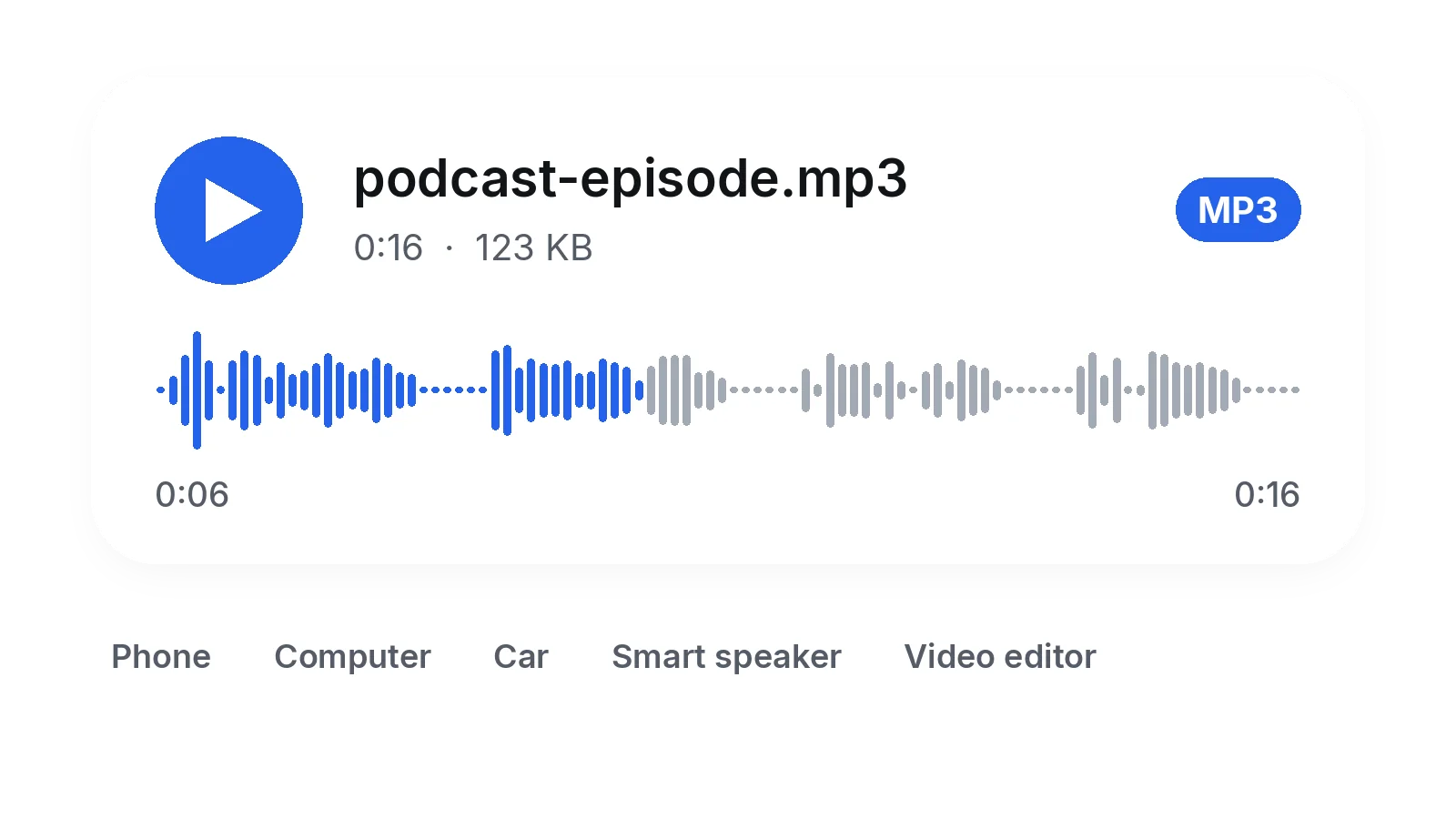
MP3 is read by phones, computers, cars, smart speakers and nearly every editing program. Once your video is an MP3, you no longer wonder whether the file will open on the device of the person you send it to, or whether it will still play in ten years.
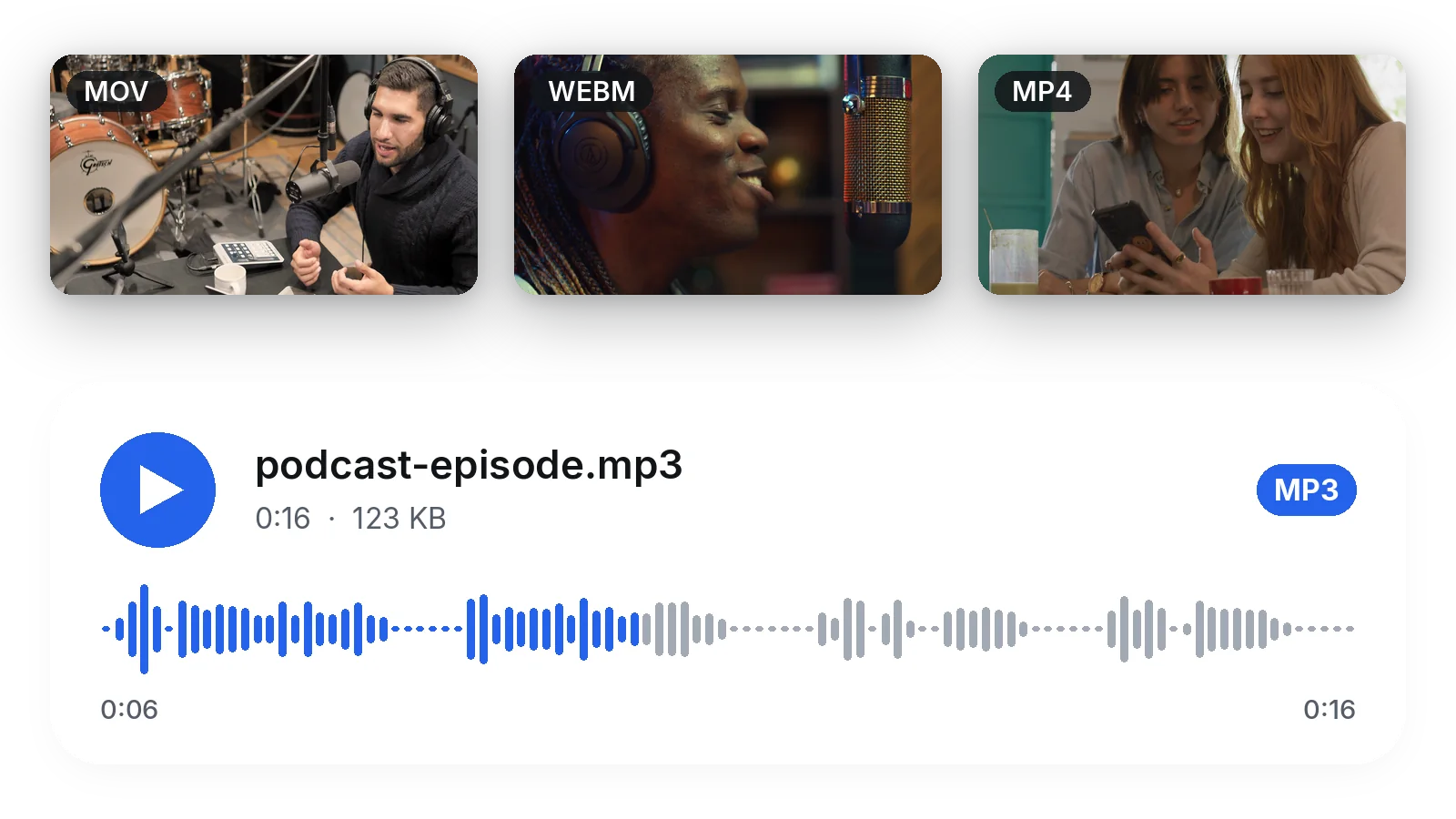
MOV from an iPhone, WebM, MKV, AVI, FLV or MP4: you do not need to convert the video to something else first. Drop it as it is and the sound track is turned into an MP3 in one go, with no detour through another tool and no setting to figure out.
No store app, no desktop program, no extension. The page runs in your browser on iPhone or computer, which keeps your phone storage free and spares you programs full of ads, permissions you did not ask for and forced updates.
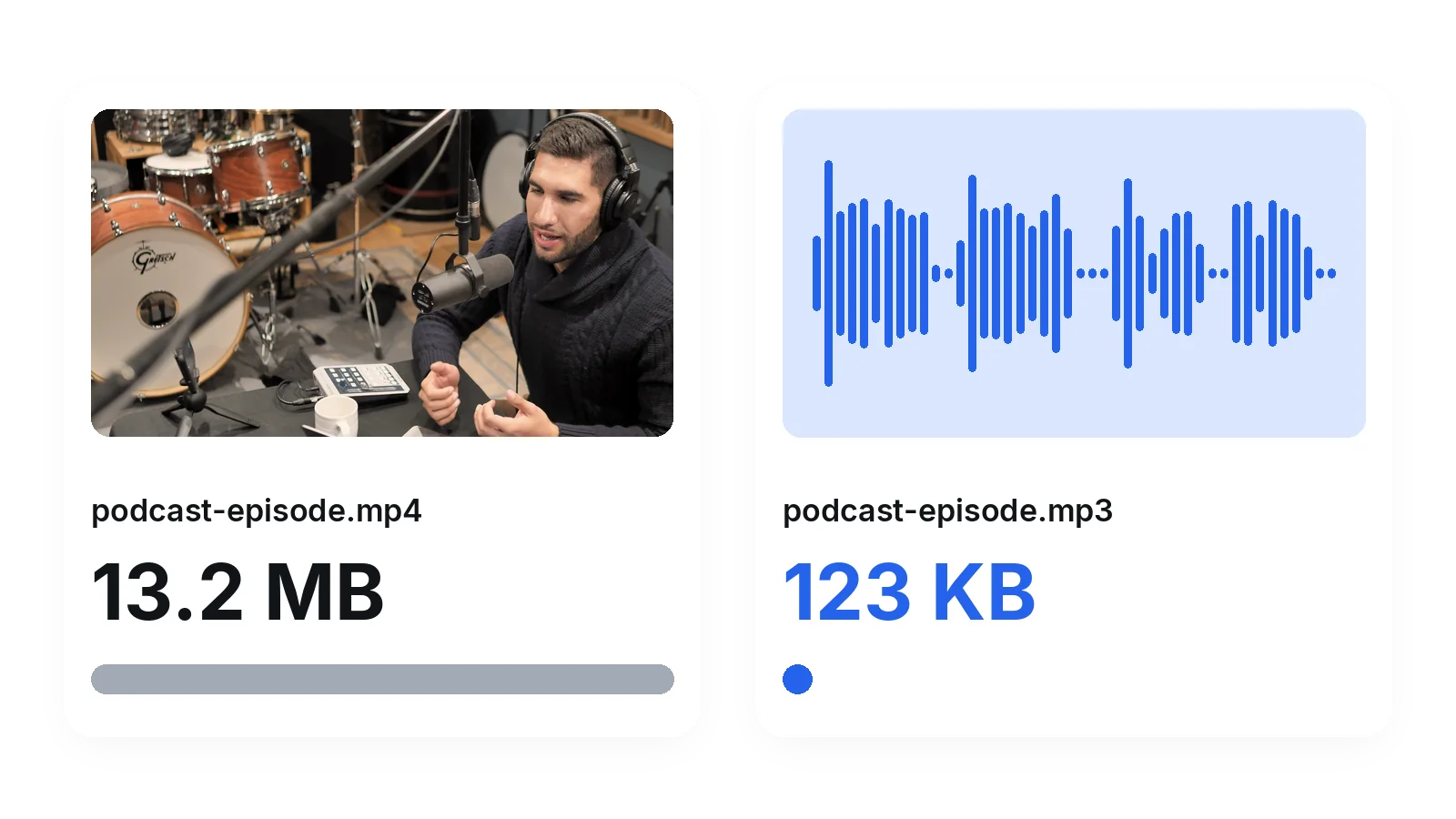
A video carries a picture you do not need. Keeping only the sound gives a file far smaller than the video, easier to store, to attach to a message or to copy onto a player with little space left. Handy when storage is tight.
You filmed a concert, a school show or a family party and want the music on its own. Convert the video to MP3 and listen to it like any other track of your library.
A voice message recorded as video, a toast, a speech: turn it into an MP3 you can replay without the picture and without using up your phone storage on a heavy video.
A recorded class or a filmed talk is often just someone speaking. As an MP3 it plays in the car or on a walk, with the screen off, and it opens on any player.
A conversation recorded on video becomes a clean audio file that you can publish as a podcast episode, send to a colleague or load into an editor to be cut and cleaned.
You need the ambience or the music of a video you own for a montage or a presentation. Convert it to MP3, then import the file into your editing software like any other sound.
Yes. Choose your video, leave MP3 selected and run the conversion: the first try is free and needs no sign-up. Nothing has to be installed, because the whole process takes place in your web browser, on a computer or on a phone.
Open this page in your iPhone browser, then choose the video from your photo library or your files. Videos filmed on an iPhone are MOV files, and they are accepted. Start the conversion and download the MP3 when it is done. No application is needed.
MP4, MOV, AVI, MKV, WebM and FLV are accepted. This covers iPhone recordings, screen captures, files from cameras and files saved from the web. The only condition is that the video contains a sound track to keep.
No. This page does not download anything from YouTube, Facebook, TikTok or any other network: there is no link field. It works on a video file that you already have, for example one you filmed or received. Upload that file and it is converted.
MP3 is a compressed format, encoded here at a high bitrate: speech stays clear and music remains very close to the original. If you need the exact sound of the video with no compromise, pick WAV or FLAC before starting, since both are lossless.
It depends on what matters to you. If you want no installation, any kind of video accepted and a plain MP3 without watermark, this page fits. If you need to process links or many files in a row, another kind of tool will suit you better.
No. A watermark makes no sense on a sound file, so your MP3 is delivered exactly as converted. What you hear in the video is what you download.
Videos up to 2 GB are accepted, which covers most clips, lessons and recordings. For a very long file, you can first keep only the part you need with the video cutter, then convert that part to MP3.
No. The video and the MP3 are deleted automatically after a short delay, so download your file as soon as it is ready.
The page converts the whole sound track. To keep only a passage, cut the video first with the video cutter, then convert the shorter clip. You can also compress a very heavy video before sending it if your connection is slow.

You’ve found an old phone video, but your laptop won’t open it—or a messaging app rejects it after you try to share it. Converting 3GP to MP4 can make the clip…

You grabbed a YouTube link for a live set, a podcast clip, or a song you can’t find anywhere else. Now you need it as an MP3 on your phone, but every converter site…

You have a folder full of video files and a clear end goal: turn them into MP3 audio you can actually use. The fastest way is to convert video to mp3 audio in a…
Pick the file, keep MP3, download the sound in a moment.
No credit card required
Video to MP3 takes a few seconds and no application. If you work mostly with MP4 files, the MP4 to MP3 page is written for that case, and the audio extractor covers the other output formats. Keep the picture, or want to shorten it first? Use the video cutter or the video compressor before the conversion. Each of them runs in the browser too, so the whole chain stays free of installations and you keep control of your own files from start to finish.
