

Video Rotator – Rotate VideoOnline,Free

Rotate or flip your video in one click — free, online, no software.

This tool is being improved

Explore other tools

Daily limit reached

or

MP4, MOV, AVI, MKV, WebM

Free to try · no account required

Free to try · no account required

Timings preserved

Free to try

AI
Examples:

Platform

Duration

Audience & tone Optional
AI is writing your script…

Free account required to use this tool. Sign up in seconds!

Free to try · no account required

Free to try · no account required

Video duration
Minutes required
Minutes used / limit
Minutes remaining
Estimated balance after (min)
This video deserves better than a blurry copy. Much better quality is available — unlock it after your free download.

Quota is based on full video duration. Queued and running tasks are included; the exact balance is checked before transfer.

COMPATIBLE PLATFORMS

Example result — Video Rotator – Rotate Video Online, Free

Your Hashtags Are Ready!

Hashtags copied to clipboard — paste them in your post!

Klipa just saved you time. Give us 30 seconds back — leave a review on Trustpilot.

Conversion Complete!

Preview below. Download your file whenever you like.


Klipa just saved you time. Give us 30 seconds back — leave a review on Trustpilot.

Translation Complete!

Preview below. Download your file whenever you like. Timecodes are preserved.


Klipa just saved you time. Give us 30 seconds back — leave a review on Trustpilot.

Source language
Target language

Pick two different languages to start dubbing.

Voice

The sample plays in the target language so you can compare before starting.

Keep original voice underneath

Low volume, behind the translated voice.

Your Video Script

Klipa just saved you time. Give us 30 seconds back — leave a review on Trustpilot.

Duration :

Target format

Exact size (pixels)

× px

Fit mode

Resolution

0.25x1x2x4x

Uploading background…

Transparent export (ProRes .mov with alpha). Reserved for the Pass or a Pro plan; the preview shows on a checkerboard.

Drag · resize · rotate
Placement
Text
Logo / Image
Common settings
optional

Length of the final edit

Output Format

Keywords (optional)

Rotate the video to enable.

Get an email the moment it's ready.

The style applies to THIS clip only. Your other clips stay available on the result page — you can caption them separately, now or later from your dashboard.
LIVE PREVIEW · BURNED-IN CAPTIONS

Klipa is preparing your preview

Your best clip is being cut and auto-reframed (face tracking). This preparation happens only once — about 30 seconds.

No speech detected in this preview clip — clips that do contain speech will still be captioned.
Captions update live
Font
Size
Position
Text
Highlight
Caption text
Unsaved changes
My templates
This style is Pro-only

Upgrade to generate your clips with this style, or continue free with the Minimal style.

This file is no longer available

Preparing your logo-free video… The download will start on its own.

Format Length Size Quality Saved Time removed Cuts ✓ Logo-free unlocked for this video

Subtitles (.srt) separate file

Klipa just saved you time. Give us 30 seconds back — leave a review on Trustpilot.

Your video is ready

Download the full video, in full quality

Find all your videos, wherever you are

Free Google 1-click No credit card

Your original video is still available. Try another tool:

All tools
4.8 Based on 500+ user reviews
Understand first

Fix Sideways Videos Instantly — Free Online Rotator

We have all been there: you film a perfect moment only to realize later that the orientation is wrong. Klipa's free video rotator fixes this in seconds. Choose 90° clockwise, 90° counter-clockwise, or 180° flip, and download the corrected file — no heavy editing software needed.

Rotation is just the beginning. After fixing the orientation, resize your video for the platform you are posting to, or compress it to speed up uploads.

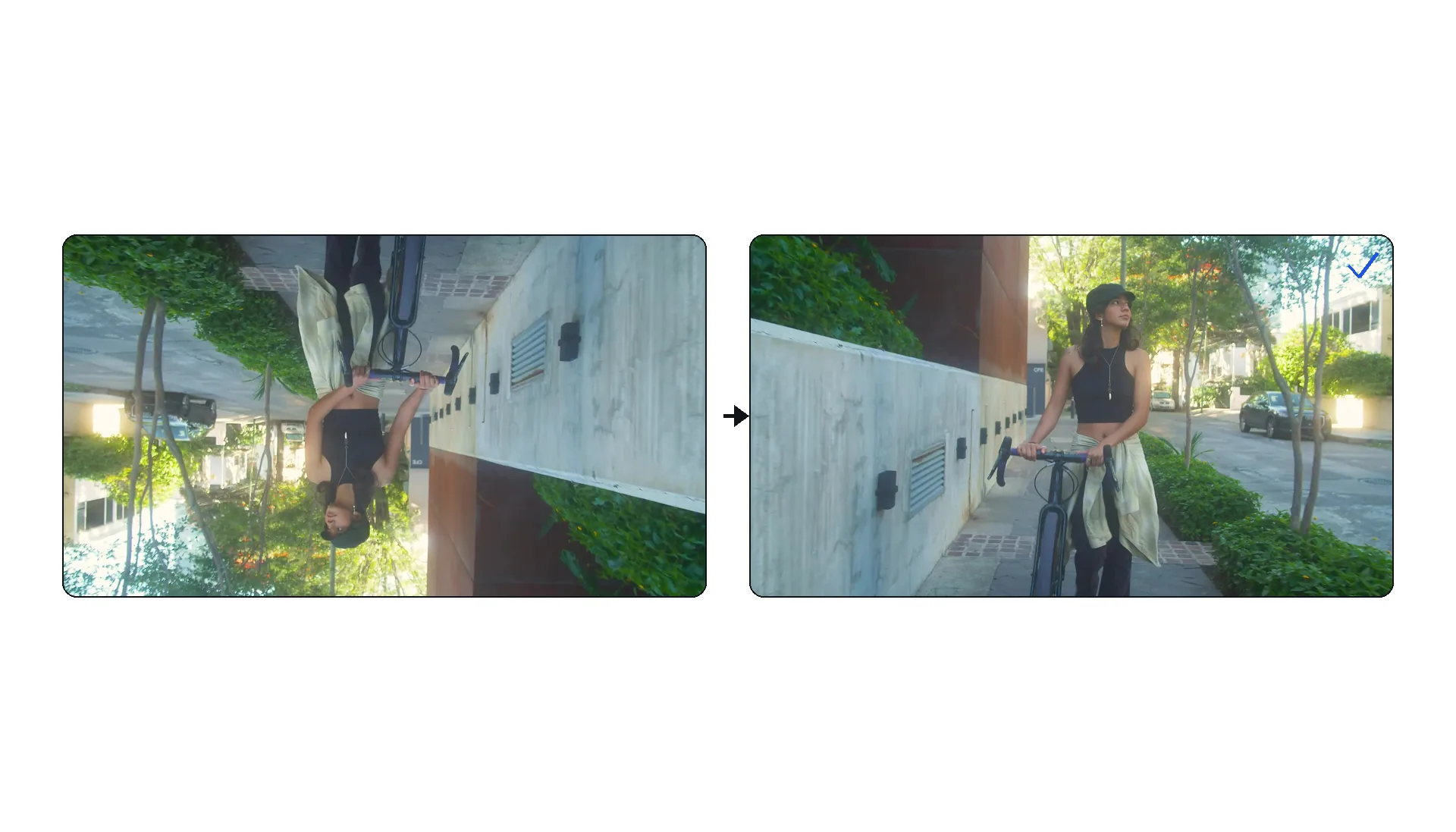
Example result — Video Rotator – Rotate Video Online, Free
Proof in the result

What the tool produces

Demo — Video Rotator – Rotate Video Online, Free
How it works

How to Rotate a Video in 3 Steps

Step 1

Upload Your Video

Drag and drop any MP4, MOV, AVI, MKV, or WebM file — up to 2 GB. Screen recordings, phone clips, and camera footage all work. If the file is also too long, trim it first.

Step 2

Choose the Rotation Angle

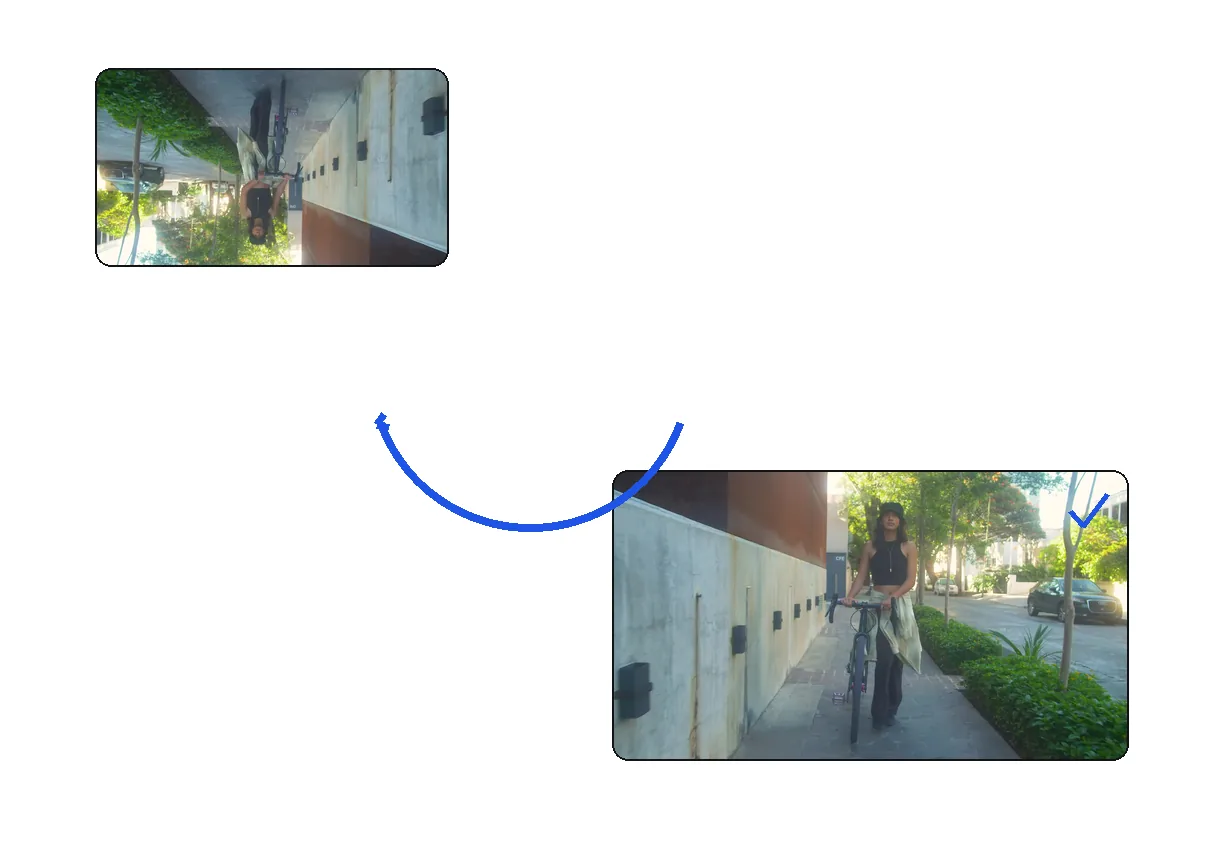
Select 90° clockwise, 90° counter-clockwise (270°), or 180° flip. A live preview shows you the result before processing. Note that 90° rotations swap the width and height of your video.

Step 3

Download the Corrected Video

Processing is near-instant. Download your properly oriented MP4 and share it anywhere. Need to adjust the aspect ratio afterward? Use our resizer or smart reframe to fit any platform.
Why Klipa

Why Use Our Video Rotator?

Benefit — Video Rotator – Rotate Video Online, Free

Fix Orientation

Filmed in the wrong orientation? Fix it in one click.
Benefit — Video Rotator – Rotate Video Online, Free

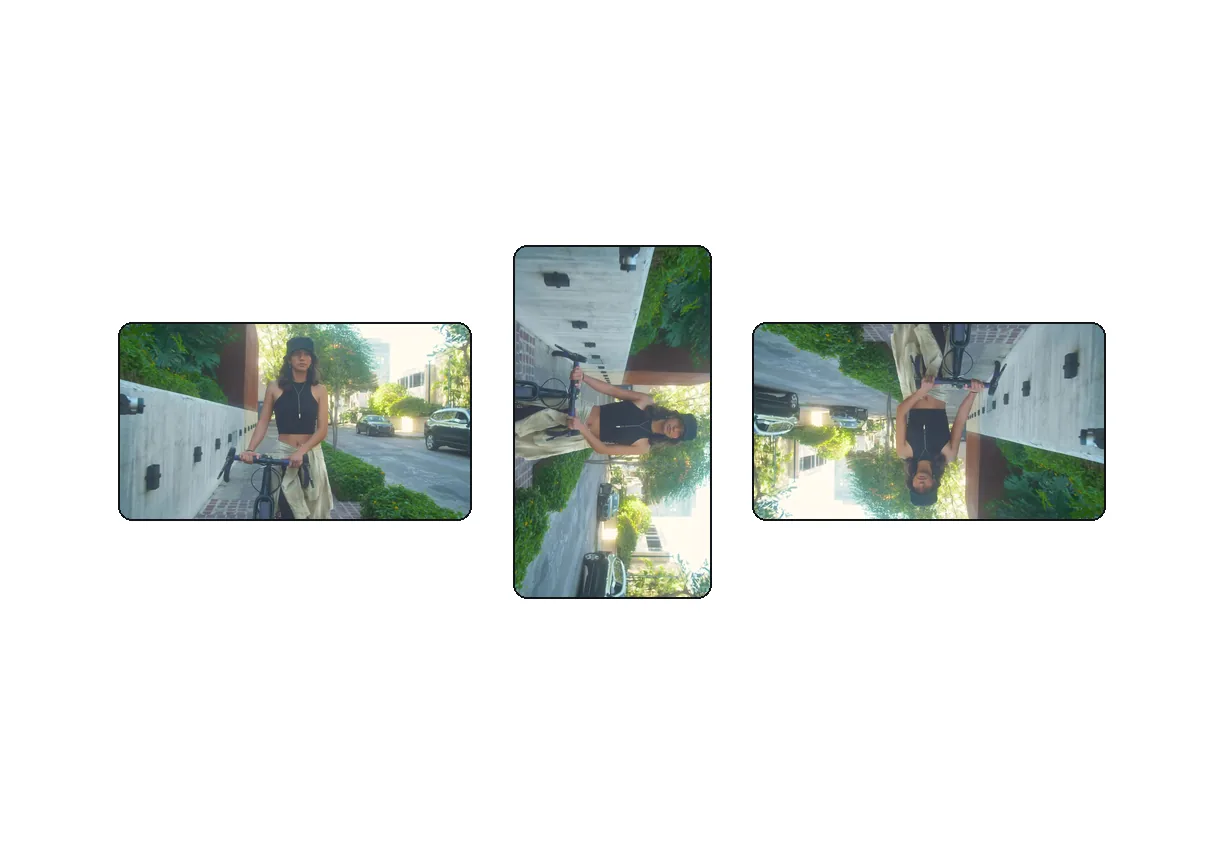
Multiple Angles

Rotate 90° clockwise, 90° counter-clockwise, or flip 180°.
Benefit — Video Rotator – Rotate Video Online, Free

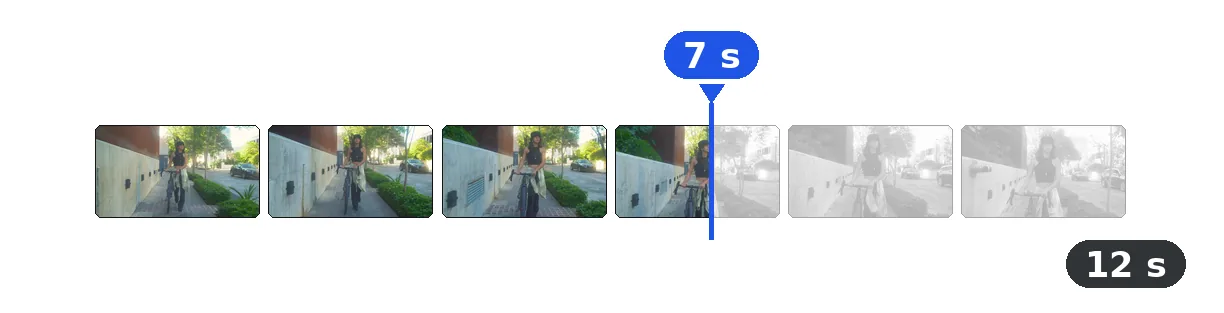
Instant Processing

Rotation is fast — usually completed in seconds.
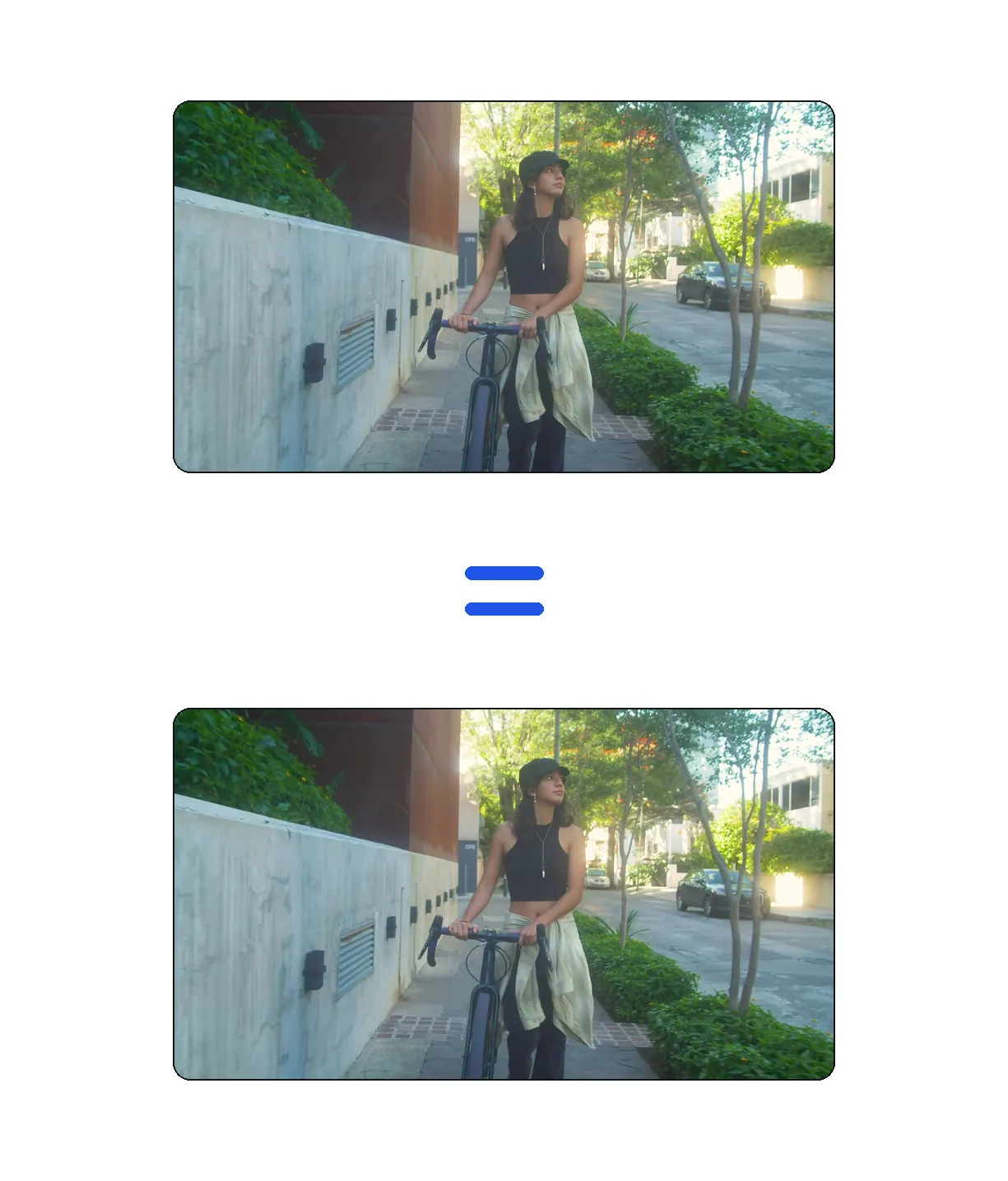
No Quality Loss

Smart re-encoding preserves video quality during rotation.

Real cases

ORIENTATION FIXED IN SECONDS

Phone recordings filmed the wrong way

Holding your phone at the wrong angle happens more often than anyone admits. Rotate the video to the correct orientation, then compress it for quick sharing on WhatsApp, iMessage, or email.

Screen recordings and tutorials

Some screen capture tools export in unexpected orientations. Rotate your tutorial to the correct angle, then add AI subtitles to make it accessible and SEO-friendly on YouTube.

Action camera footage

GoPro and other action cameras sometimes save clips upside down or sideways depending on mounting. Flip or rotate the footage before adjusting the speed for dramatic slow-motion effects.

Frequently asked

Frequently Asked Questions

What rotation angles are available?

90° clockwise, 180° (flip), and 270° clockwise (90° counter-clockwise).

Will rotating lose quality?

The quality loss from rotation is negligible. We use high-quality encoding settings.

Can I rotate and cut at the same time?

Not in this tool. Use the Rotator first, then the Cutter tool for the best result.

Does it change the resolution?

Rotating 90° or 270° swaps width and height. A 1920x1080 video becomes 1080x1920.

Is it free?

Yes, 100% free with no signup required.

What formats are supported?

MP4, MOV, AVI, MKV, WebM.

Can I rotate and add a watermark at the same time?

Not in one step. Rotate first, then use our watermark tool to brand the correctly oriented video.

Does rotation affect audio sync?

No. The audio track remains perfectly synchronized during rotation. The process only modifies the visual orientation of each frame.

They use it

What Creators Say

Your turn

Ready to rotate your video?

Free, instant, no signup.

In closing

Never Let a Wrong Angle Ruin Great Footage

Orientation mistakes are one of the most common filming issues, and Klipa makes them a non-issue. Rotate any video for free in your browser, then continue your workflow with our resizer, compressor, or AI subtitle tool — all without installing a thing.

Example result — Video Rotator – Rotate Video Online, Free
All tools