

Pinterest rewards tall videos: reshape yours before you pin it
Pinterest is a vertical place. People scroll through columns of tall Pins, and a wide video dropped among them looks thin and easy to skip. Resizing a video for Pinterest means turning it into a tall shape before you publish, so it takes as much room in the feed as the images around it. This page opens on 9:16, the full-screen vertical shape, and lets you switch to 2:3, 4:5 or 1:1 when you want something else.
What Pinterest's own help recommends
Pinterest's help page on Pin specs recommends a 9:16 ratio, or 1080 by 1920 pixels, for full-screen videos, and lists other ratios that work: 1:2, 2:3, 3:4, 4:5 and 1:1. The same page says video Pins run from 4 seconds to 5 minutes, and that the web accepts MP4 and M4V while the mobile apps also accept MOV (source: help.pinterest.com/en/article/review-pin-specs). Those figures can change, so read that page before a big campaign. A video from this page leaves as an MP4, one of the accepted types.
Getting the classic 2:3 Pin
The format buttons offer 9:16, 2:3, 4:5 and 1:1. The 2:3 shape that standard Pins use has its own button: one click, and the video is brought to that frame, for example 1080 by 1620. Each side is rounded to an even number, as video encoding requires, so tiny differences are normal.
Whole picture, or cropped to the frame
When your clip has another shape, three choices exist. Fit keeps everything and extends the picture with a blurred backdrop built from the clip, which suits a recipe or a craft step where nothing can be lost. Fill zooms until the frame is covered and follows the main subject so only the surplus is cut, which suits a product or a room. Stretch bends the proportions and is meant for repairs. The page recommends one according to the content, and you can change it.
The limits worth knowing
A resize changes shape, not length or weight. Pinterest's minimum and maximum durations still apply, so cut a clip that is too long with our video cutter. And a low-resolution source does not become sharp when its frame changes. Start from your best original.

What the tool produces
How to resize a video for Pinterest
Upload your video
Pick the file on your computer or phone, or drag it into the page. A horizontal recipe clip, a square product shot or a tall video all work. Files can be up to 2 GB.
Choose 9:16 or 2:3
Keep 9:16 for a full-screen Pin, or choose the 2:3 of the standard Pin, say 1080 by 1620 pixels. Then pick Fit, Fill or Stretch and a resolution, and read the preview before exporting.
Download and add it to your Pin
Save the MP4 and upload it when you create the Pin on Pinterest. Downloads are free with the Klipa logo on the video, and a Pass or a Pro plan gives you the file without it.
Why prepare a video before pinning it
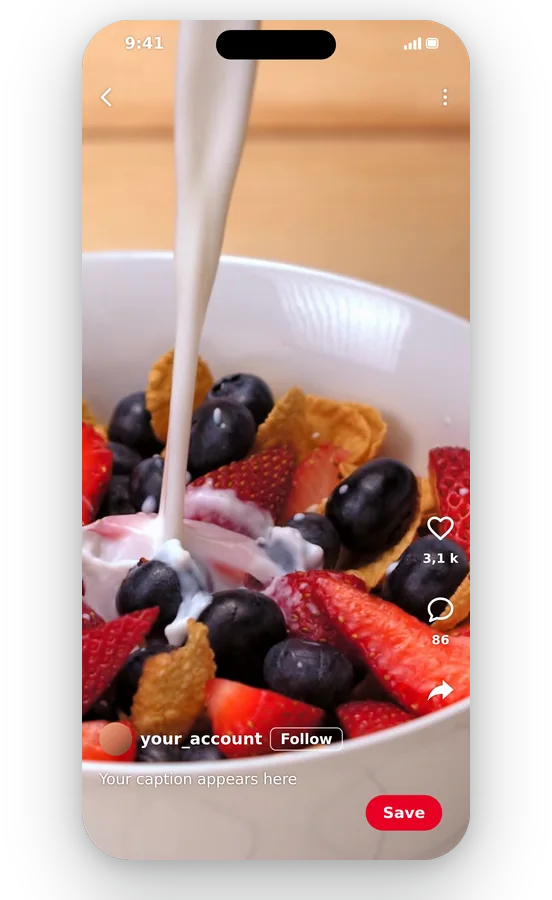
A Pin that takes its share of the feed
Pins are shown in tall columns, and a wide clip uses little of that space. Reshaping the video to 9:16 or 2:3 gives it a presence next to the images, so the person scrolling has a reason to stop and look at your Pin.
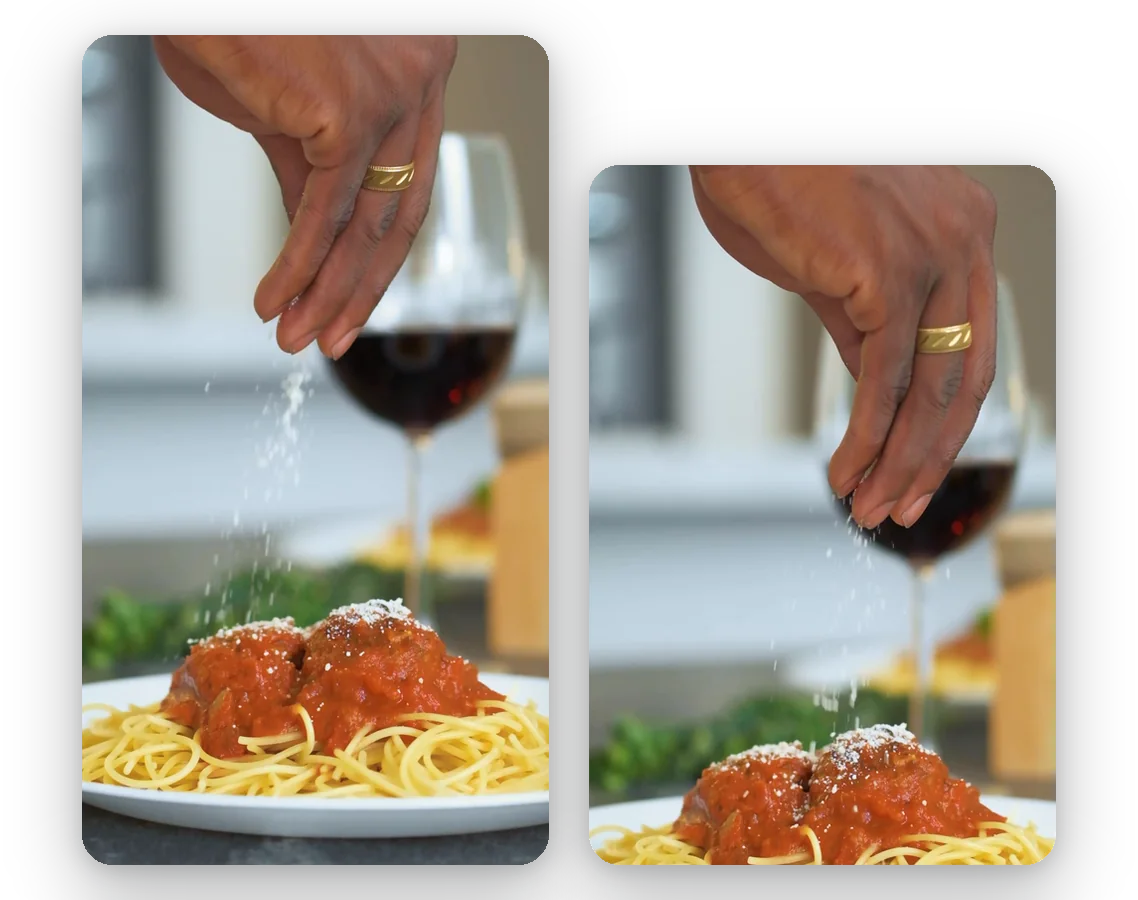
Two vertical shapes, one tool
Full-screen 9:16 and standard 2:3 each have their own button. You do not need two programs to prepare a full-screen video and a standard-looking Pin. Both come from the same page, from the same original, in a couple of minutes.
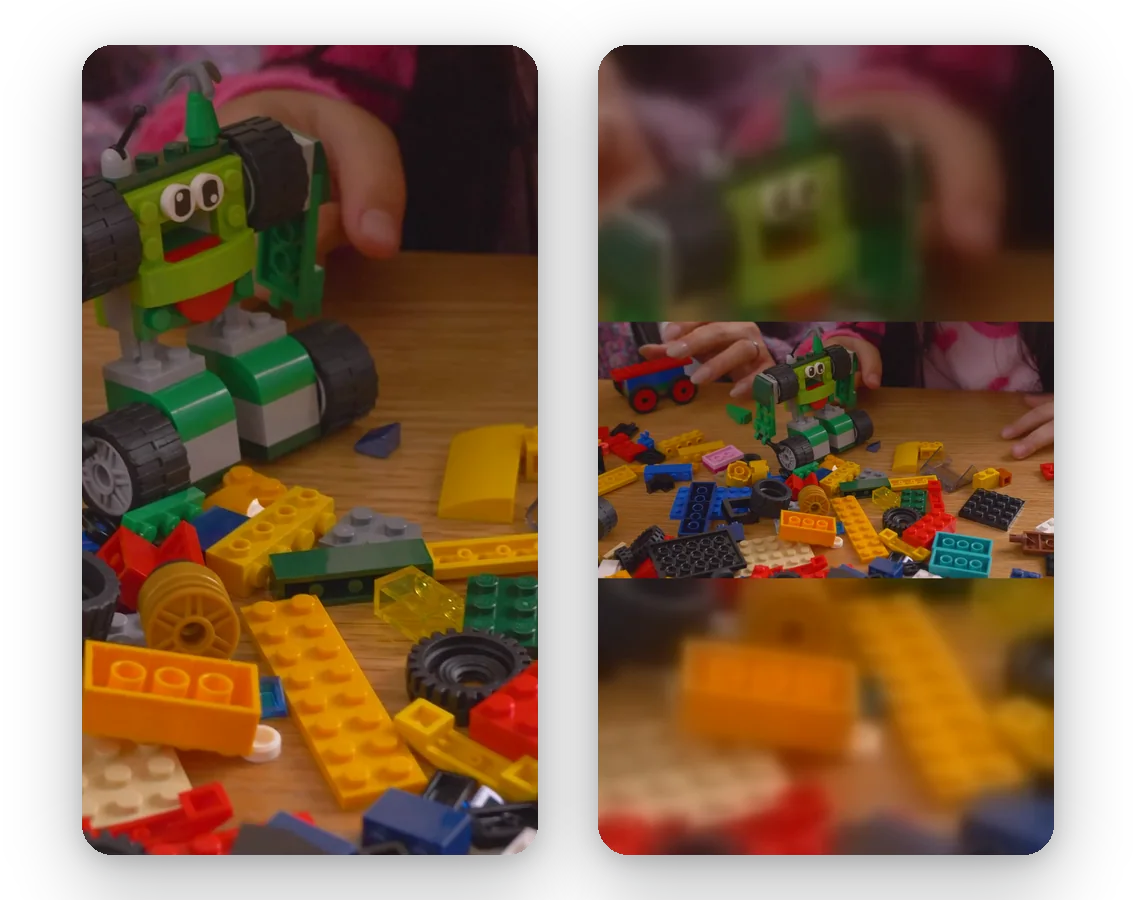
Control over what the frame cuts
A tutorial with text in the corners cannot be cropped carelessly. Fit keeps every pixel of the original and fills the rest softly. For an object or a face, Fill keeps the subject in view. The preview lets you compare before you spend time on the export.
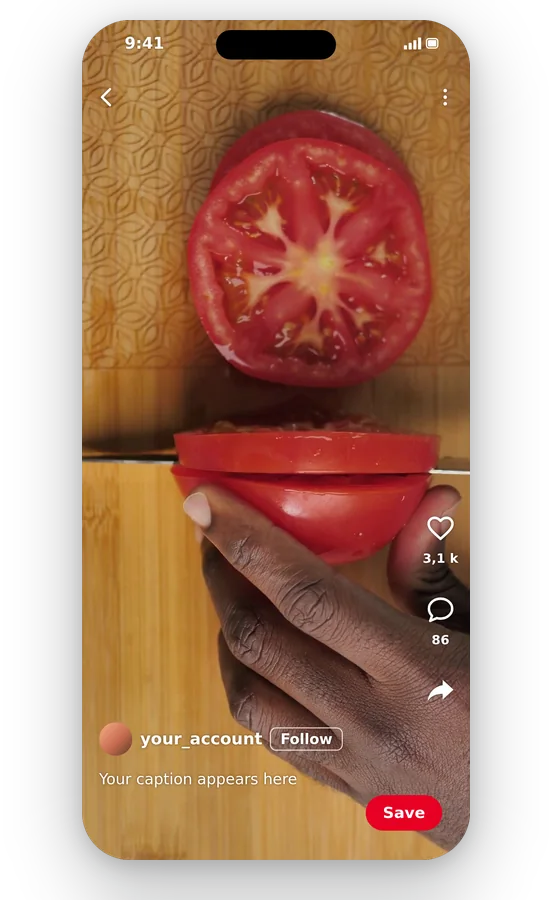
A plain MP4 that Pinterest accepts
Whatever you upload, from phone footage to an old AVI file, the result is an MP4, one of the file types Pinterest's help lists. There is nothing to install, no conversion step, and your original remains unchanged for another attempt.
Videos that are worth reshaping for Pinterest
A recipe filmed from above
Food clips are often shot wide. Reshaped to 2:3 with Fit, the whole dish stays visible on a soft backdrop; with Fill, the plate fills the frame. Either makes a Pin that is clear in a busy feed.
A product shown in use
A shop that has a 16:9 product film can make a tall version for Pinterest shoppers. Fill follows the item as it moves, and the same footage then serves the website and the Pin.
A step-by-step craft or decor project
Do-it-yourself ideas are a classic of the platform. A tall version of the project video shows the hands, the material and the result at a size that can be read on a phone.
A travel or wedding moodboard clip
Landscape holiday footage becomes a vertical clip for a travel board. Fit protects the scenery, Fill gives a more immersive full-screen sequence, and you pick whichever looks better.
A blog post's video, re-used as a Pin
A video made for your site in 16:9 can lead people back to it from Pinterest. Resize it once into a tall frame instead of re-editing from the beginning.
Related Tools
Pinterest video sizes: your questions
Which size should a Pinterest video Pin be?
Pinterest's help recommends 9:16, or 1080 by 1920 pixels, for full-screen video, and lists 1:2, 2:3, 3:4, 4:5 and 1:1 as other options (source: help.pinterest.com/en/article/review-pin-specs). Here, 9:16 is the starting format and 2:3 is a button right beside it.
How do I get 2:3, the standard Pin shape?
Choose the 2:3 button: the video is brought to that proportion, for example 1080 by 1620 pixels. Pick Fit or Fill, check the preview, and download. Each side is rounded to an even number, so the final size may differ by a pixel.
Is Pinterest 9:16?
Partly. According to Pinterest's help, 9:16 is the recommended ratio for full-screen video, and the platform also lists 1:2, 2:3, 3:4, 4:5 and 1:1. So tall shapes dominate, with 9:16 the one meant to fill the screen.
Steps to make a wide clip tall enough for a Pin?
Upload the clip and keep 9:16. With Fit the full 16:9 picture sits in the middle of a blurred vertical frame; with Fill it is enlarged to full height, the sides are trimmed and the subject is followed. Look at the preview and download the MP4.
Will pinners still see everything in my clip?
Yes, choose Fit. The entire video remains visible and the unused area above and below is filled by a blurred version of the clip. This is the safest option for recipes, tutorials and anything with text near the edges. Nothing is lost.
Which file types and lengths are allowed on Pinterest?
Pinterest's help lists MP4 and M4V on the web, and also MOV on its mobile apps, with a length from 4 seconds to 5 minutes (source: help.pinterest.com/en/article/review-pin-specs). Klipa exports an MP4, and you can shorten a clip with the video cutter.
Upload refused for bulk: does a resize cure it?
Not necessarily. A different frame lightens the file only as a by-product, and it does not target a weight. If dimensions are already right and the file is just too big, the video compressor is the proper tool, because it reduces the weight at the same resolution.
Which setting protects sharpness on a Pin?
Begin with the best original you have and choose a resolution that is not above it. Resizing cannot add detail that was never recorded, and a larger frame from a small source only spreads the pixels. Automatic resolution gives the best quality your plan allows.
Is a watermark stamped on the Pin I download?
Free downloads carry the Klipa logo. For the file without it, take a Pass for that video or a Pro plan. You can run the whole process, preview included, and look at the final frame before deciding whether the clean file is worth it.
Automatic vertical conversion or manual frame for my Pin?
Video to Shorts tracks the subject automatically to make a vertical video. This page lets you decide the target shape yourself, from full-screen 9:16 to the 2:3 of standard Pins, and whether to keep the whole picture or crop. Choose it when the exact proportions matter, as they do on Pinterest.
Resize your video, then pin it
Full-screen 9:16 or classic 2:3, free to try.
No credit card required
A tall video, ready for your board
Preparing a video for Pinterest comes down to a few choices: 9:16 for full-screen or 2:3 for the standard Pin, whole picture or cropped, then download. If the clip is longer than Pinterest allows, shorten it with the video cutter. If the file is simply too big to upload, the video compressor reduces its weight without changing its shape. Check Pinterest's help before a big launch, since specifications move, and keep your original so you can make another version later.
